NewVerse by verse with your clicker — new in 5.1.4

Broadcasting shouldn't require a broadcast engineer

Cameras, switching, graphics, audio, colour, streaming and recording in one application — not five bought separately and wired together.

Free account · Windows and Mac · One payment, no monthly subscription
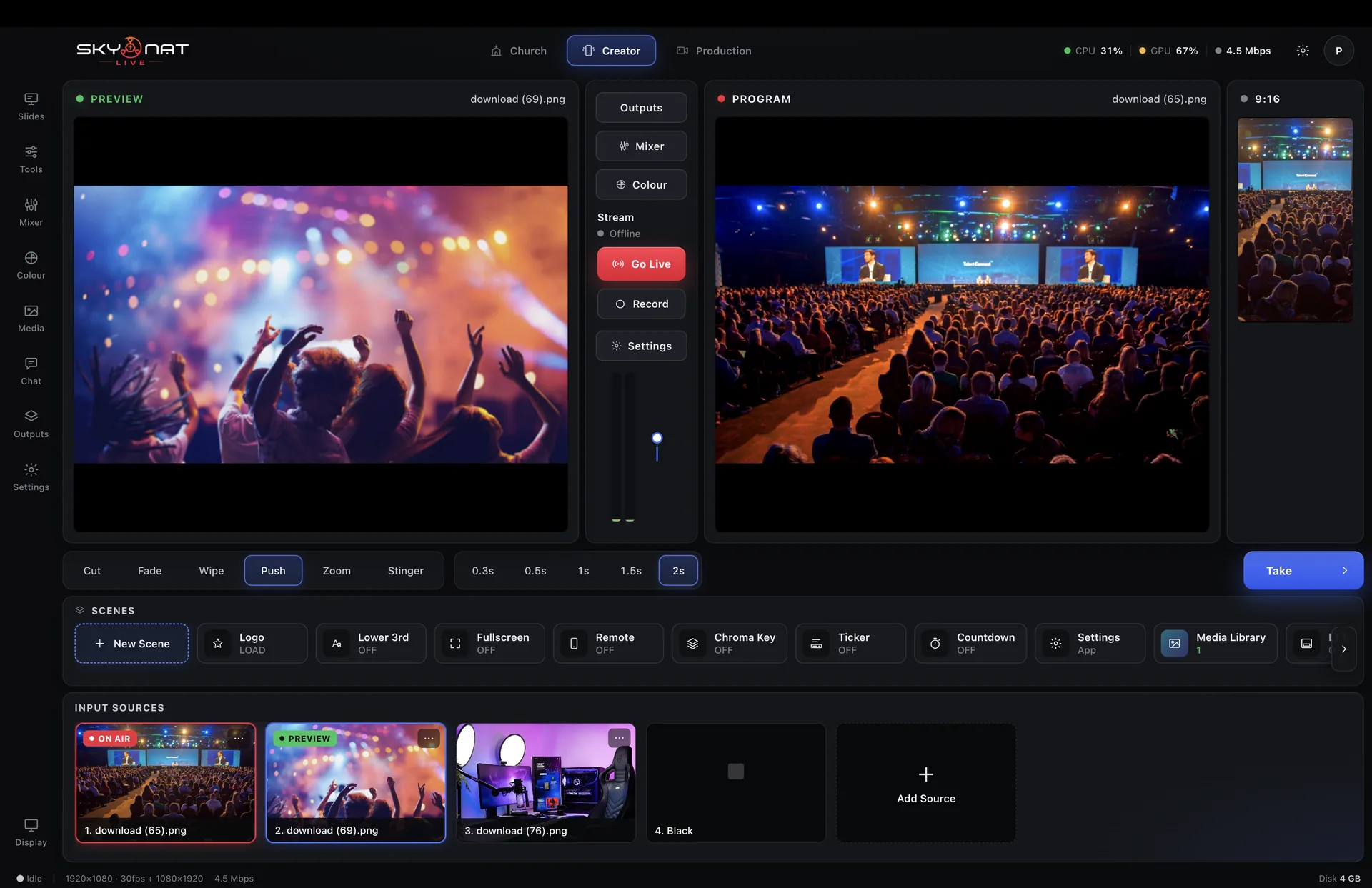
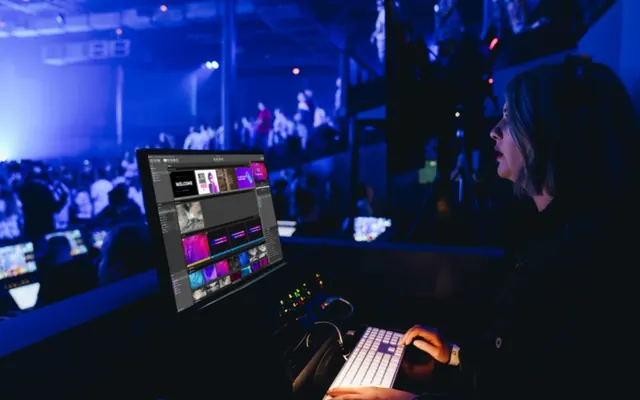
Skynat Live switching a live event, with one camera on Preview and another on Program
On air4.5 Mbps · steady
Two destinationsboth connected
6 camerasone operator

Go live everywhere at once — from one application

YouTube
Facebook
Instagram
TikTok
Twitch
Kick
X
Rumble
RTMPAny server
SRTSRT

Windows 10 and 11 macOS — Apple Silicon and Intel Phones as cameras
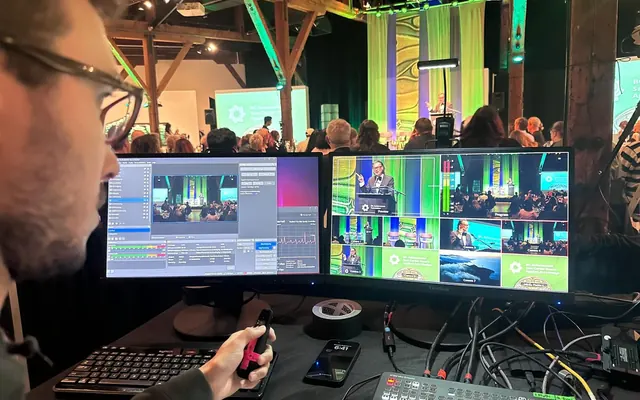
A volunteer running a church service from the production desk
Church services
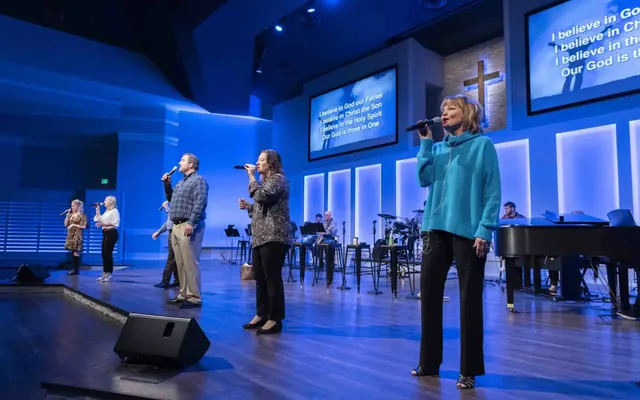
A worship team singing on a lit stage
Worship and music
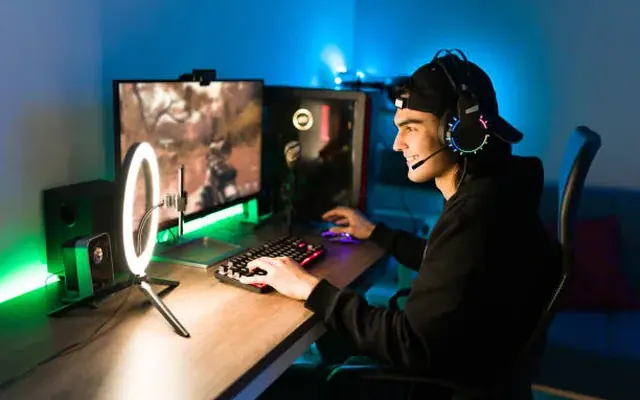
A streamer at a gaming desk with a ring light and headset
Gaming and streaming
A creator streaming from her desk with a ring light
Creators
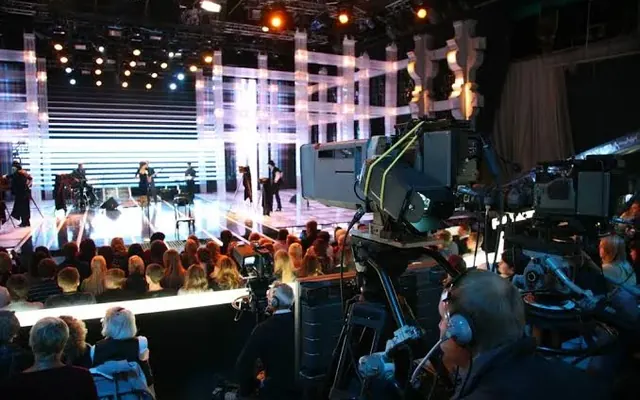
Cameras covering a live event on a lit stage
Live events
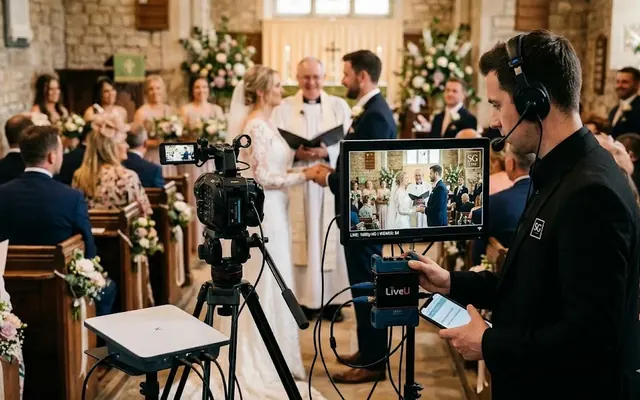
A camera operator streaming a wedding ceremony
Weddings
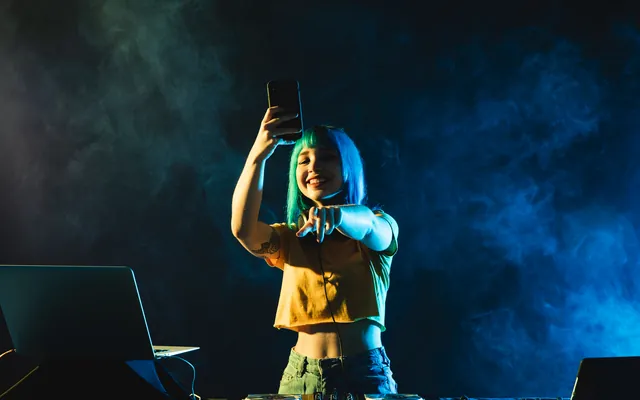
A DJ performing a live set
DJ sets
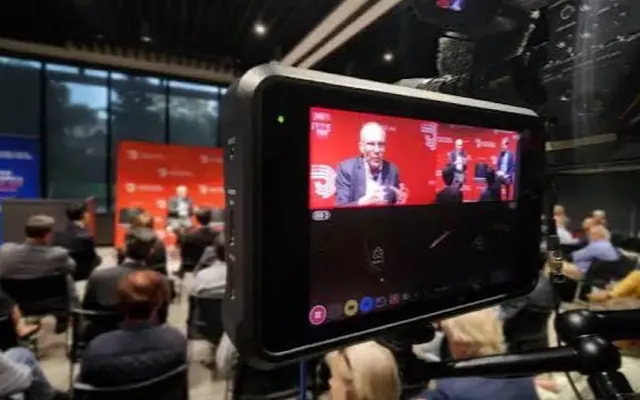
A conference session filmed from the back of the room
Conferences
A teacher giving a lesson to a camera
Schools and lessons
A talk-show host preparing in the studio
Talk shows and podcasts
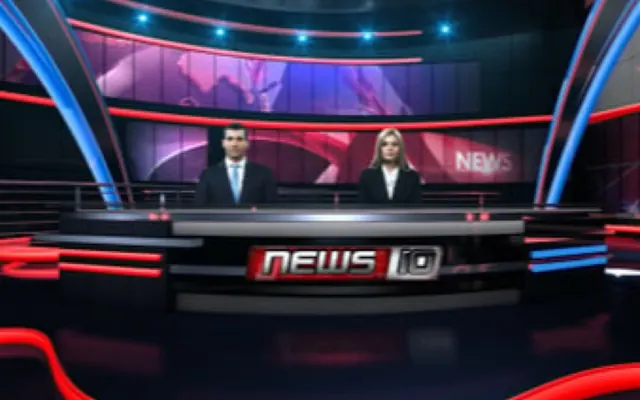
Two presenters at a news desk
Newsrooms
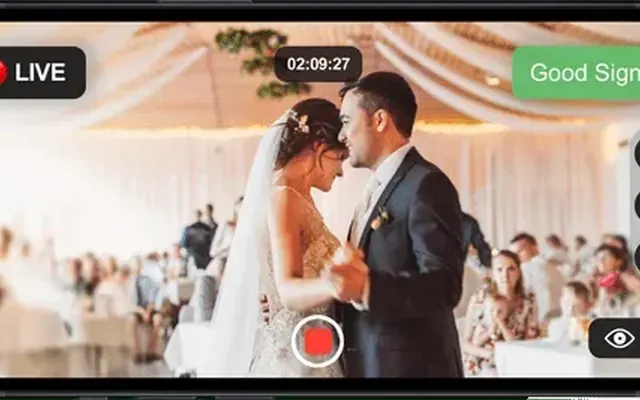
A wedding streamed live from a phone
A phone as a camera
An operator mixing a concert from a laptop
Concert production
Why it's different

Most live software is a computer you assemble yourself

A capture card here, a mixer plugin there, streaming bolted on, titling from somewhere else. Every piece works — until one breaks, or two stop talking to each other, usually at the moment you can least afford it.

Bought separately

  • A switcher, plus a streaming plugin
  • A separate audio tool
  • A separate titling app
  • Hours to configure, someone to maintain it
  • A monthly bill that never stops

Skynat Live

  • One application — already connected
  • Audio, graphics, colour and streaming built in
  • Open it and go live
  • Hand the whole setup over in one file
  • One affordable plan, everything in it
The work behind it

Built the hard way, so it is easy for you

Every switch, fader and frame has been written, tested, broken and rebuilt — until it holds up on a live night.

0human hours of engineeringestimated
0lines of code writtenapp, camera app and site
0builds publishedeach one tested and refined
0features in one appand counting

Hours are an estimate of the equivalent human working time, judged from the size and depth of the code.

What's inside

Seven things you'd otherwise buy one at a time

A summary of each below. Every one has a page of its own with the whole story.

The studio

Switch six cameras without touching six programs

Preview what is coming next, take it to air, and rebuild the whole layout in one click.

The studio in full
Skynat Live switching a live event, with one camera on Preview and another on Program
Takepreview → programme
Audio

Speech people can actually hear, without anyone riding a fader

A proper desk — channel strips, groups, and processing that keeps the level steady on its own.

Audio in full
The Skynat Live mixing console with channel faders, groups and effects
Mastergate · comp · AGC
Colour

The colour tools a film gets, on your live event

Wheels, curves, secondaries and broadcast scopes — the grading a cinema colourist works with, running live on the graphics card.

Colour in full
The colour room with three-way wheels, a waveform and a before-and-after view
Gradedbefore / after
Streaming & destinations

Go to more than one place at once

YouTube, Facebook, Instagram, TikTok, custom RTMP and SRT — each reconnecting on its own.

Streaming & destinations in full
Choosing streaming destinations, with dual output and a pre-flight check
2 destinationsboth connected
Recording & replay

Not only for streaming — a recorder in its own right

Never stream at all if you do not want to. Record up to 4K, every camera to its own file, ready for the edit before you have packed up.

Recording & replay in full
Instant replay and highlight clip marking
Recordingindependent of the stream
Graphics & titles

Everything on screen, in one place

Lower thirds, tickers, countdowns, a media library — and a virtual studio that needs a green sheet and a spare room.

Graphics & titles in full
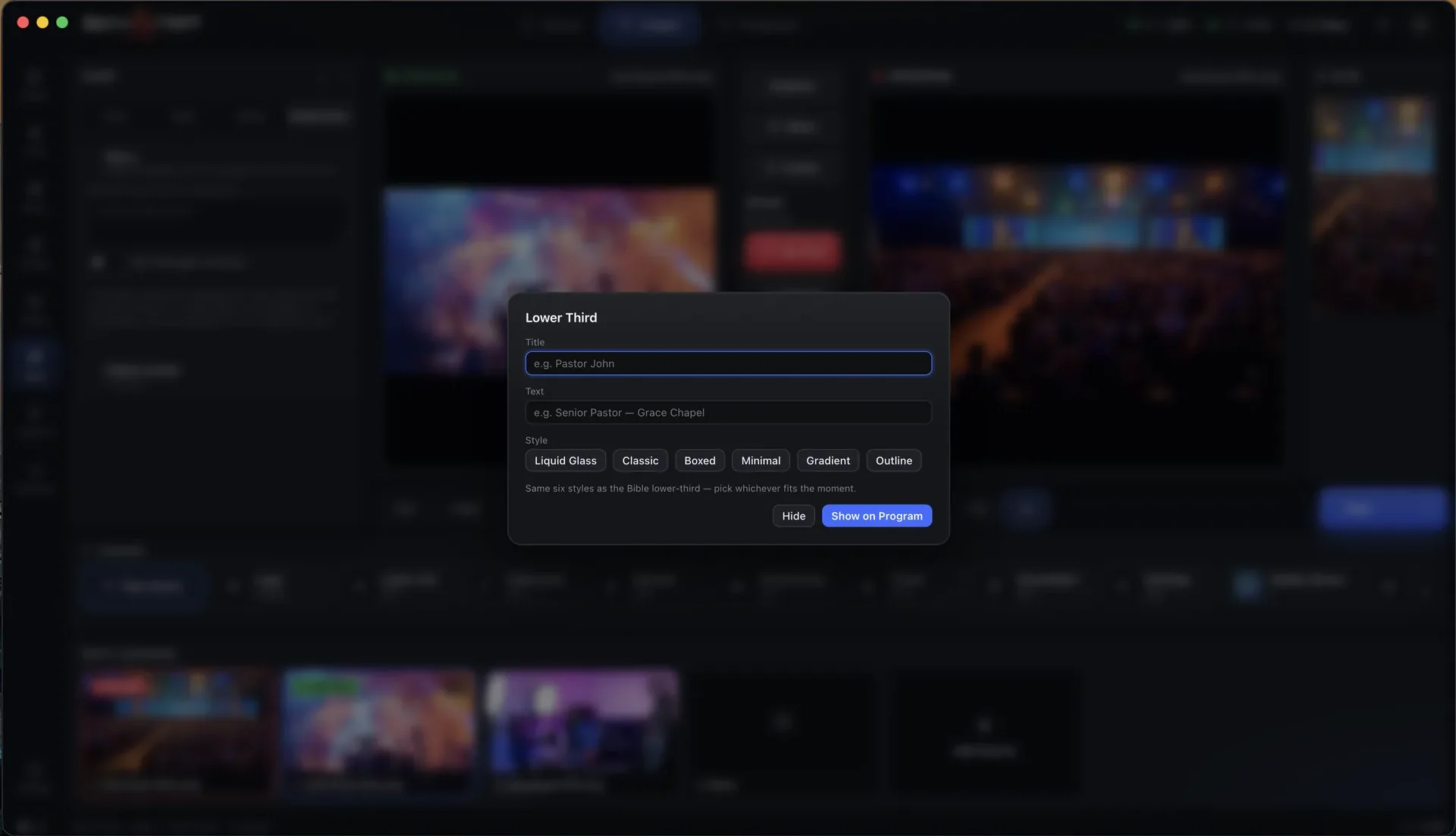
Choosing between six lower-third styles
Lower thirdsix styles
Cameras & control

More angles than you have cameras

Phones become cameras, guests join from anywhere, and you can run the switch from your pocket.

Cameras & control in full
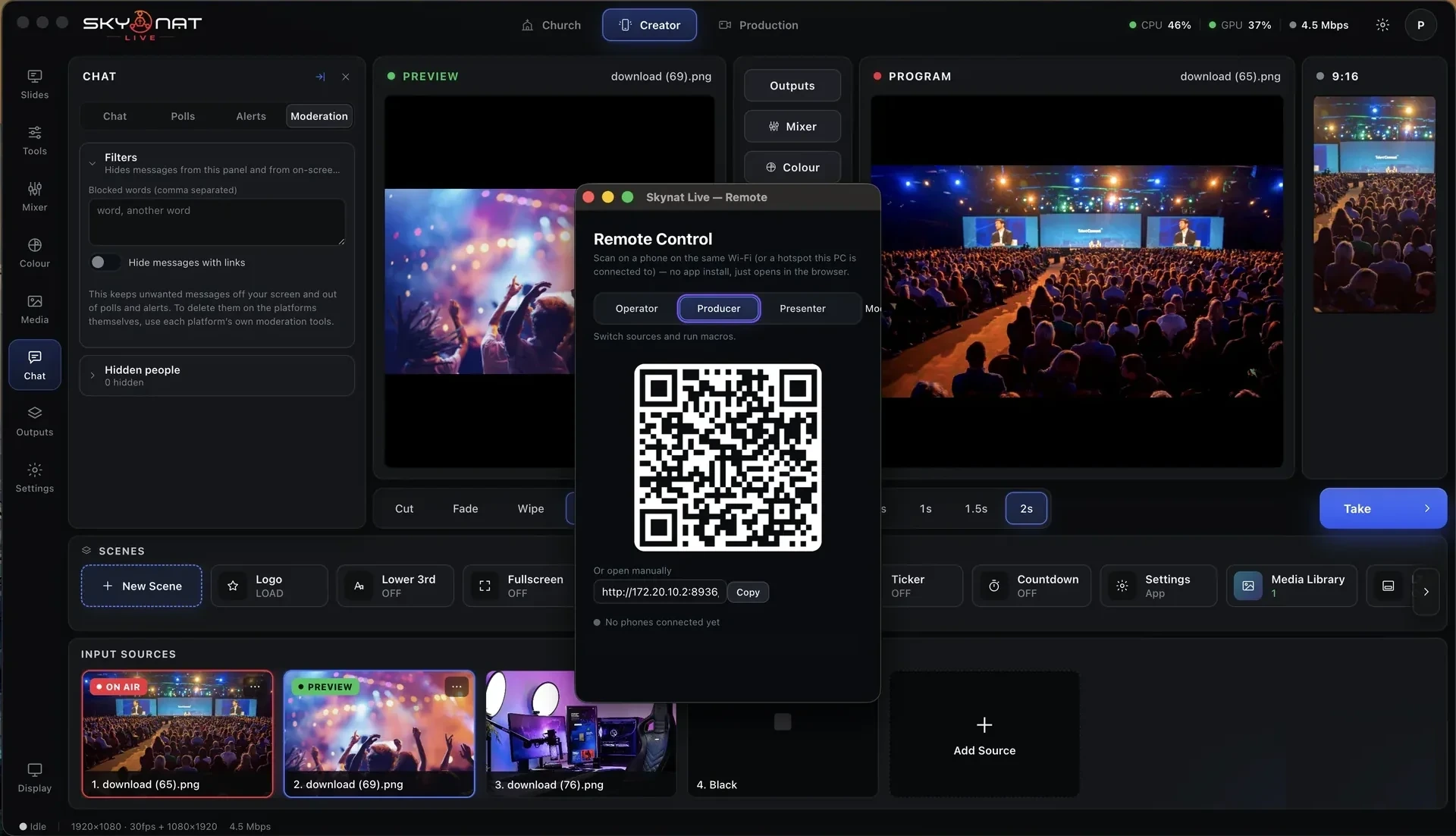
The phone remote control: scan the code and switch from your phone
Scan to joinno app to install
Virtual StudioNew

A newsroom over the city, from a green sheet in a spare room

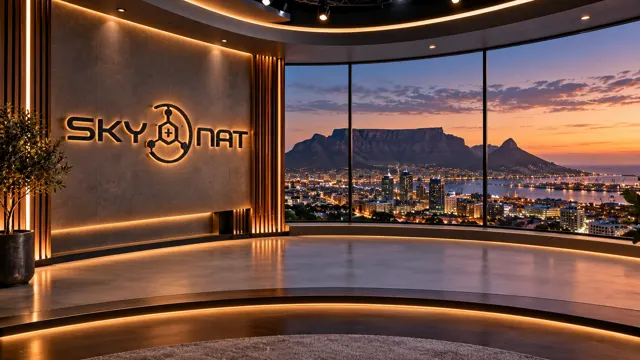
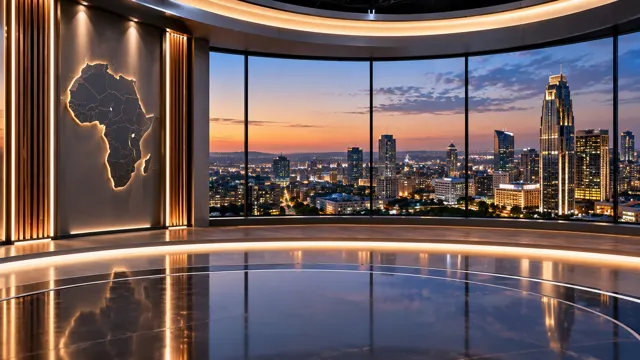
Twenty-two rendered sets ship in the box — standing sets over Cape Town and Manhattan, news desks that place you between the desk and the wall, lounges for an interview. Pick one, key the green, and you are in it — and with advanced 3D depth technology, in it: a room you stand in, not a picture behind you.
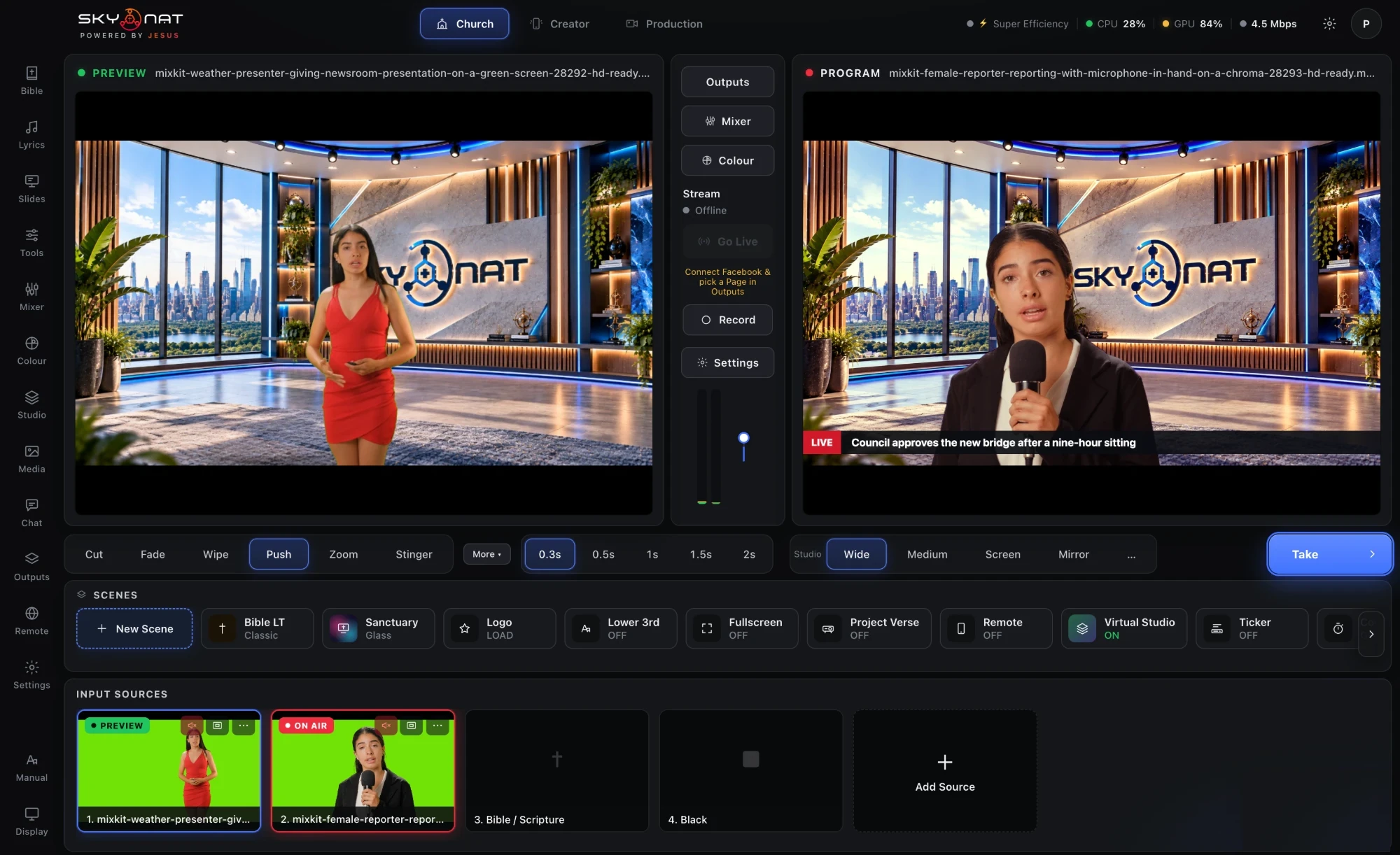
  • Advanced 3D depth: the desk stands in front of you, your shadow falls on the floor, and a zoom moves the desk more than the wall, the way a real lens would. As far as we know, only available commercially in Skynat Live.
  • The screens and windows on the set are real sources — a video, a live feed, a second camera, your slides, a verse.
  • The set follows your real camera — a PTZ head or an ordinary camera — and a second camera at the side lets it follow you across the room.
  • Save the framing per scene and it comes back the same next week.
See all twenty-two sets
Skynat Live keying two green-screen presenters into the Skynat set, one on Preview and one on Program
Keyed livegreen sheet · two cameras
Enhance · every edition, every cameraNew

The picture a phone would make, from the camera you have

Your phone lights faces, opens shadows, calms noise and keeps skin true on every photo, automatically. Your streaming camera does none of it. Enhance gives every camera on the desk that intelligence — one switch.

  • The face is found and lit for — not the window behind it — and followed as the person moves.
  • Built for every skin tone: lifted only as far as the light was short, colour carried up with it, never pushed to one grey.
  • A studio light where there is none: the person lit, the room a touch darker. Noise calmed without smearing a moving hand.
  • Automatic, and honest about what it did — or every amount by hand.
How Enhance works for you
Found
the face, every tone, in every light
Lit
by up to a stop, where the light was short
Kept
skin true; the cast of the light taken off it
Calm
a dark room’s noise, without smearing motion
Studio light
the person lit, the room dimmed
Honest
“lighting the face +1.0 stop · opening the shadows”
Skynat RemoteNew

A camera in another city, on your desk

A phone, a laptop’s browser or another Skynat Live studio joins your desk over the internet as a camera. It sends a small picture while it waits, a sharper one on Preview, and full quality the instant it is taken to air — the picture is already sharp when the cut lands.
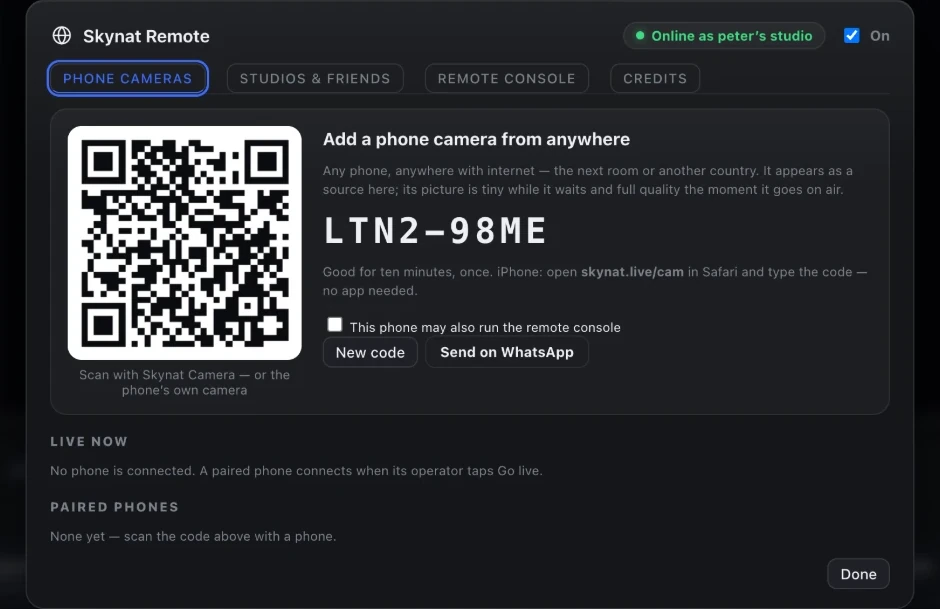
  • Pair by code, by QR, or by inviting a friend’s studio once — then it is simply there.
  • The desk and the operator can talk; the operator sees tally the moment they are on.
  • A remote engineer runs the audio, the grades and Enhance from a phone anywhere. No video is carried, so it works on the thinnest line — and it is free.
  • Remote cameras are paid by the gigabyte from credits in your dashboard, with a grace line that never cuts a running stream.
Cameras over the internet
Skynat Remote: add a phone camera from anywhere by code or QR
Remote camerafull quality on air · small in the wings
Who uses it

The same engine, wherever you point it

Our mission

It started with churches. Now it is for everyone.

We built Skynat Live so every church, whatever its size, could broadcast like a studio. It grew into the studio for creators, small and medium broadcasters and events too. The mission is simple: the best technology in as many hands as possible — and half of Skynat's profits go to the gospel and to good work.

Read our founder's mission
Peter SalanjeFounder & CEO, Skynat
Pricing

Affordable. Everything in it.

A whole broadcast studio for less than the tools it replaces cost in a month. A year at a time, or month by month — nothing renews itself, you decide.

Recommended · best value
$99
per year

or $19 a month. Pay for the year and save; pay by the month and stop whenever you like.

Skynat Live — everything most churches, events, schools and creators will ever need. Not per camera, not per destination. Every update in the year is included.

  • The whole application — no watermark, all the standard features
  • Enhance, the virtual studio with 3D depth, remote cameras
  • Windows, Mac (Apple Silicon) and Mac (Intel, back to 2013)
  • Checked every 30 days, never in the middle of a broadcast
  • Nothing renews on its own — you renew from your dashboard
Max · Enterprise
$599
per year

or $79 a month. For large broadcasters — news stations, mega churches, big music events.

The same application with the heavy, GPU-deep features open: the hybrid keyer that keeps every strand of hair, the true-depth studio with your real shadow on the set, real rooms filmed on a phone as sets, the larger speech model, companion desks. Needs a MacBook Pro or Mac Studio (M1 Pro or newer), or a gaming-class PC with an RTX 3060 or better.

  • Everything in Skynat Live, plus the Max features
  • The Max pack — models, signed and verified — installed from Settings
  • Most people do not need it: the $99 plan already gives broadcast quality

Create your account, broadcast this week

The account is free. The licence is issued as soon as you buy, and you can be live the same day.

Buy now — $99→ Create free account

Windows · Mac (Apple Silicon) · Mac (Intel 2017+) · Mac (Intel 2013–2016)