
The question everybody asks before they buy. Four answers, depending on what you already own — and one large purchase you get to skip entirely.
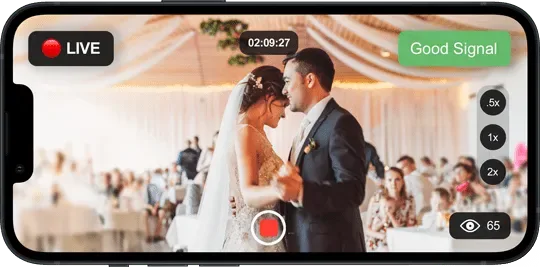
The cheapest camera is the one in somebody's pocket, and a modern phone sensor outresolves a lot of what gets sold as a streaming camera.
Install the free Skynat Cam app, open it on the same Wi-Fi, and the studio appears in a list — nothing to type. Tap it, enter the four digits shown on the studio screen, and that phone is an input on the desk. Up to eight at once.
Already using something else? The software talks to DroidCam, Camo, Prism Lens and the other common camera apps too, so you do not have to change what your team already knows.
A DJI Osmo or similar gimbal camera connects the same way, which gives you a smooth moving shot without a jib or an operator walking backwards.
Any camera with an HDMI or SDI output becomes an input through a capture card — and this is where you skip the switcher entirely.
A single USB capture stick handles one camera and costs very little. But the useful move is a multi-channel PCIe card: four, eight, sixteen or more inputs on one card that sits inside the computer.
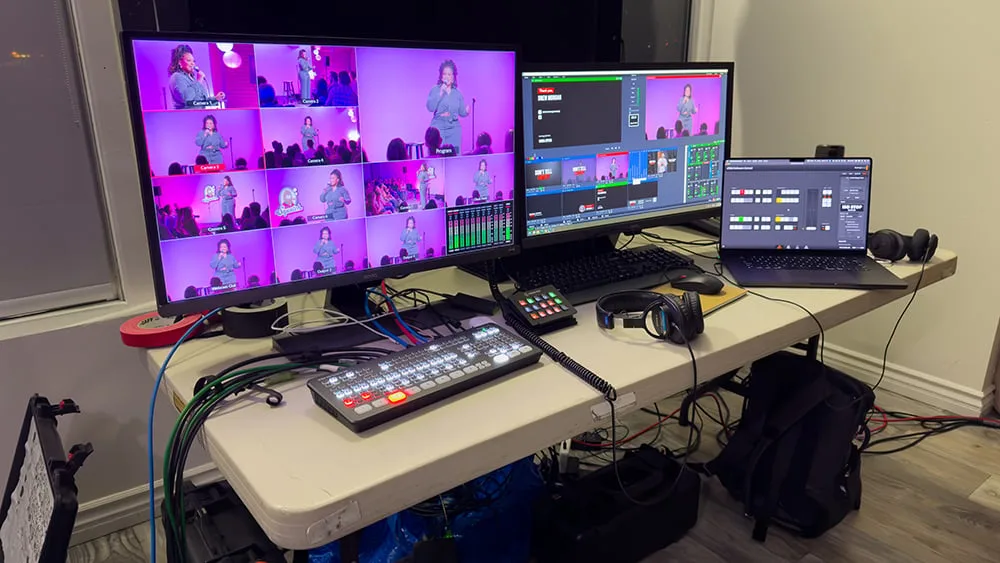
Every camera plugs straight into that card and arrives in the software as its own source. You switch between them on screen. There is no hardware switcher in the chain at all, because the switching is the software's job.
The software will carry up to 20 sources at once in any combination, so a large multi-channel card, a few phones and a couple of media players all coexist.
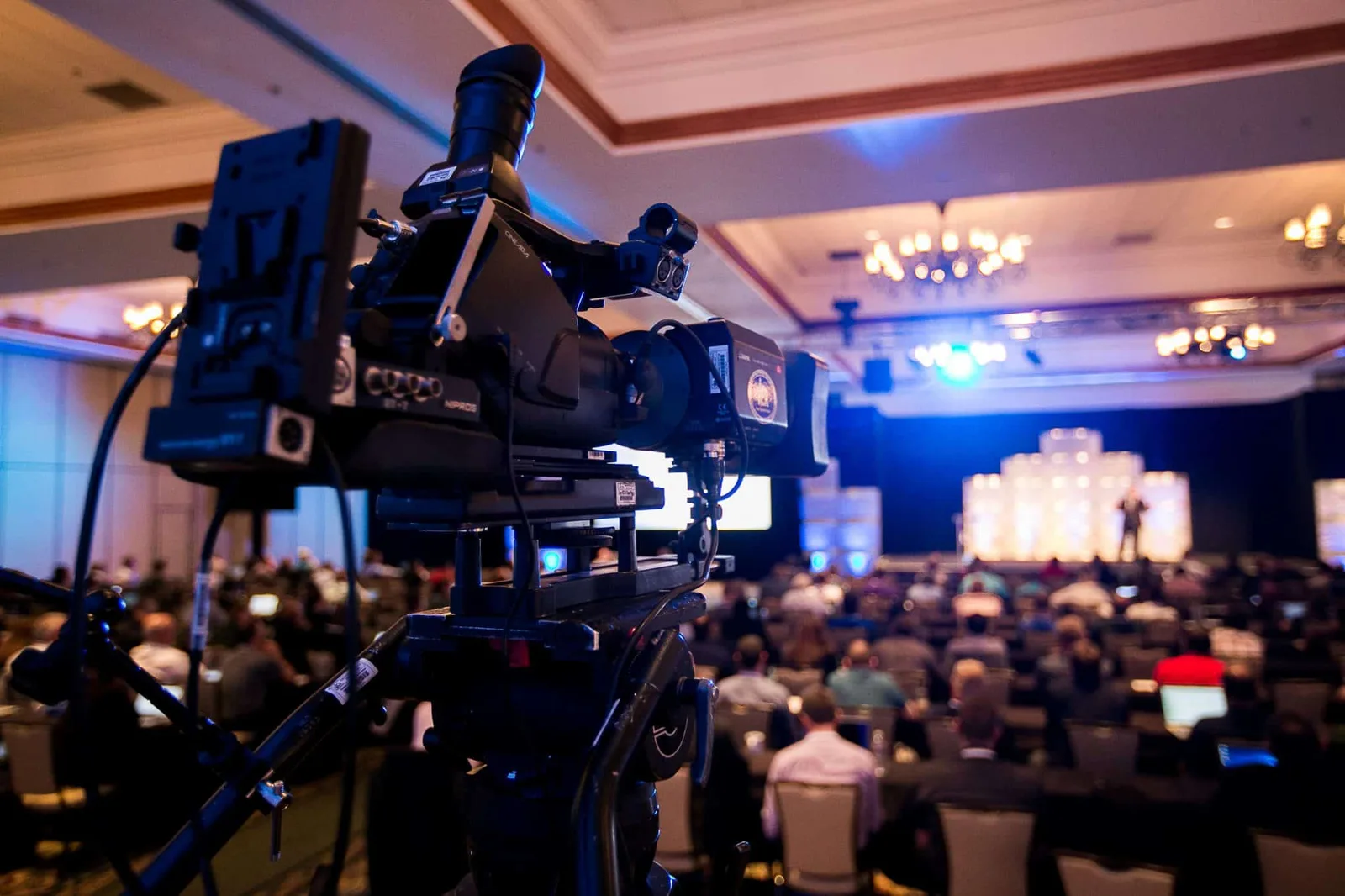
For cameras too far from the computer to cable, a small HDMI encoder puts them on the network instead.
These are widely available from the usual online marketplaces. The camera's HDMI output goes into the encoder, the encoder joins your Wi-Fi or plugs into a network point, and it publishes straight into Skynat Live as an RTMP source.
It solves the problem every venue has: the camera at the back of the room, or up on the balcony, where running a long HDMI cable is either impossible or expensive.
They are also the cheapest way to add a camera to a room you do not control — a hired hall, a second venue, an outside broadcast position.
A guest who is not in the building scans a code and joins as a full camera, not as a video call captured off a second screen.
The studio shows a code carrying its address, the slot and the key. The contributor scans it and connects. The router is negotiated automatically, and if your connection genuinely cannot accept an inbound guest you are told before the event rather than during it.
Their feed arrives as an ordinary input — it can be graded, it goes through the audio console, and it can be recorded to its own file.

Encoding runs on the graphics card, so the processor stays free for everything else.
A recent laptop with a dedicated graphics card handles a multi-camera show comfortably. An Apple Silicon Mac handles it on the built-in graphics. Older Intel Macs back to 2013 are supported by a separate build.
More cameras and higher resolutions want more machine, as you would expect — but the honest answer is that most people who think they need to buy a computer for this do not.
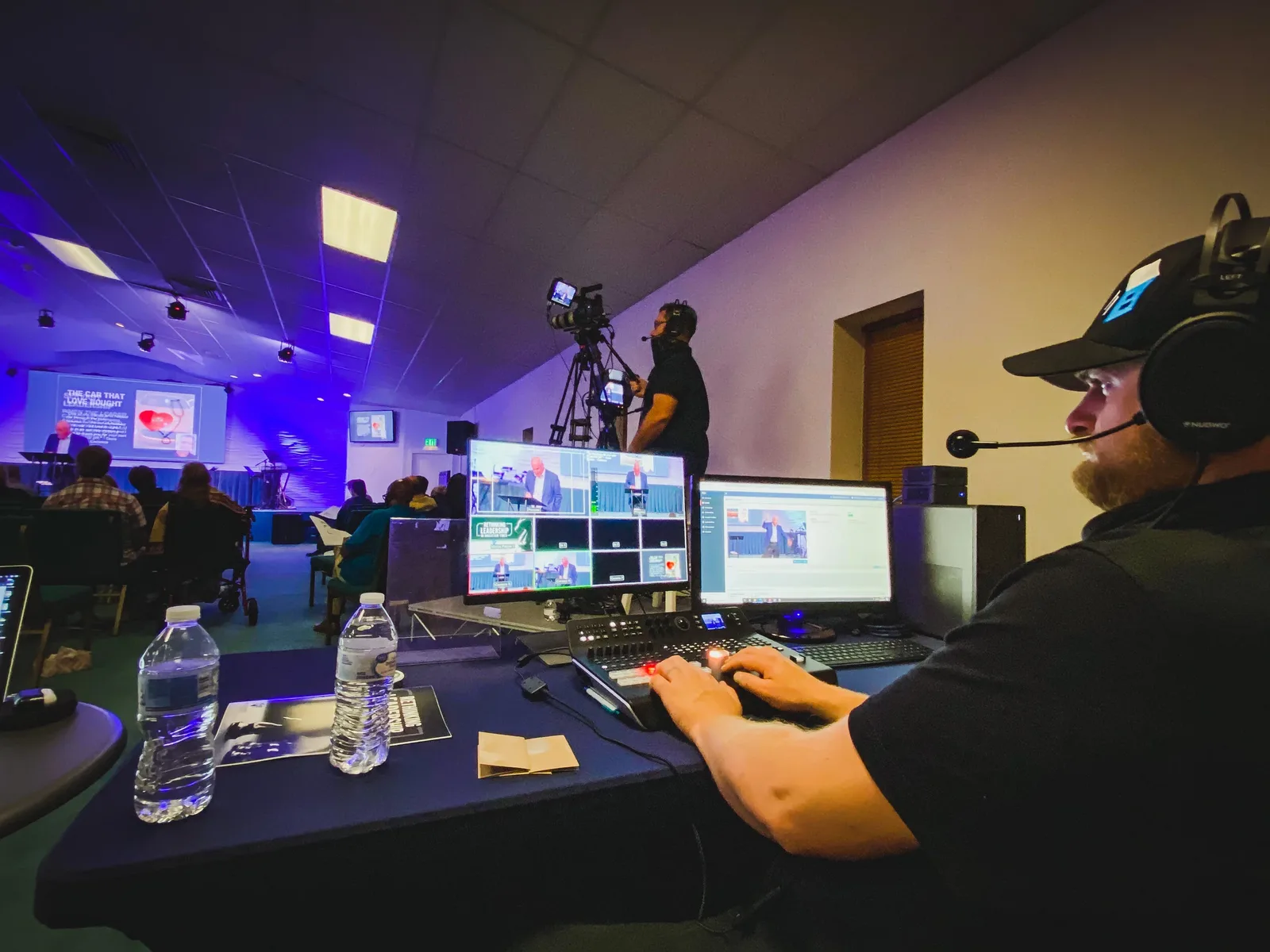
That is the expensive box in a traditional setup, and it is the one this replaces. Put a multi-channel capture card in the computer instead, plug every camera into it, and the switching happens on screen — where you can also grade it, mix it, caption it and record every angle separately.
See the cost comparisonOr $19 a month. Affordable, and everything is in it — every update in the year included, nothing renews on its own. Max, with the heavy GPU features, is $599 a year or $79 a month.
