
The trick every news channel uses: an empty room painted green on one side of the camera, a gleaming studio on the other. Skynat Live does the same with a bedsheet, a camera and twenty-two studios built in — and then goes further than a picture behind you: advanced 3D depth technology makes the set a real room you stand in, with a desk in front of you, your shadow on its floor and a camera move that moves the room. As far as we know, technology that is only available commercially in Skynat Live.
The key reads the screen colour straight off your camera and sets itself. Import any rendered set of your own and mark its screens; it works the same way.
A list of feature names tells you nothing. Here is the problem each one solves, and what the show looks like without it.
The same kind of matte the broadcast keyers are built on, so a shadow on the screen stays screen and a grey jacket or a white collar never disappears. Learn the empty screen once and every part of it keys against its own green — a sheet that is bright on one side and grey-green on the other keys clean everywhere. The green rim comes off hair and shoulders, the edge is tightened and softened by the pixel, the set’s light wraps the edge, and a real shadow you cast on the screen is kept and cast onto the set.
Without it: you get a green halo, the fringe of everybody’s hair disappears, and it looks like a video call with a novelty background.
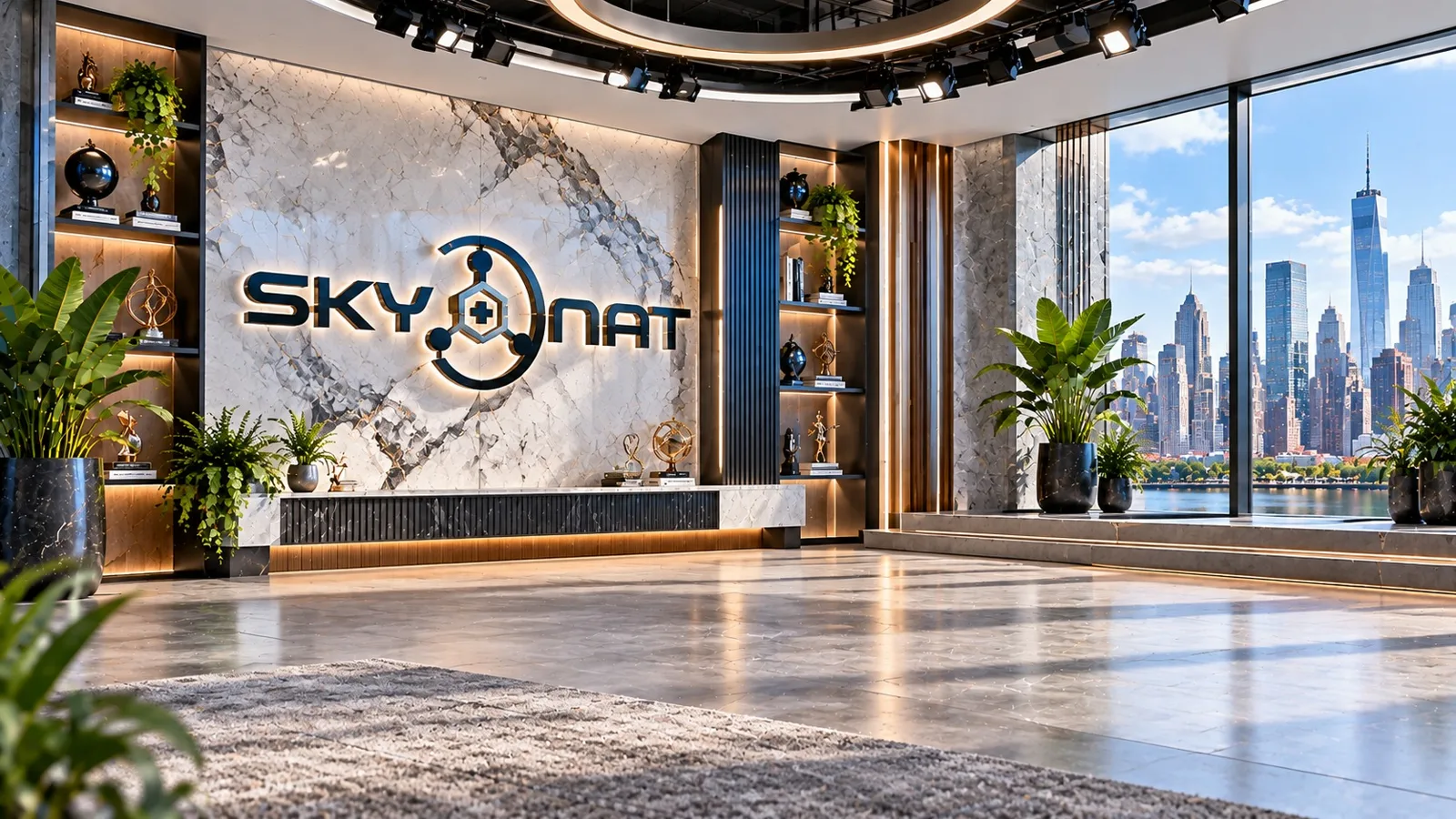
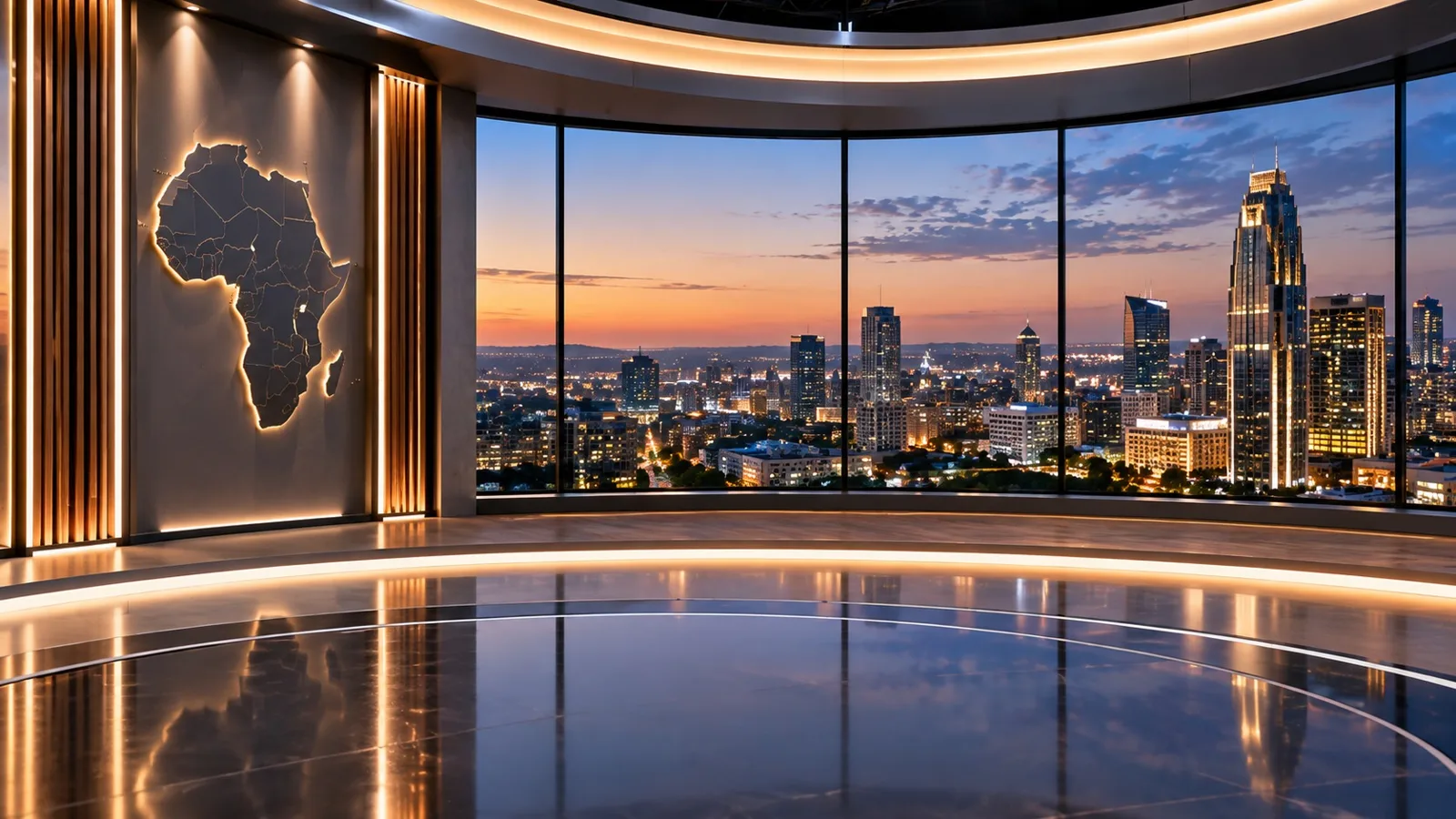
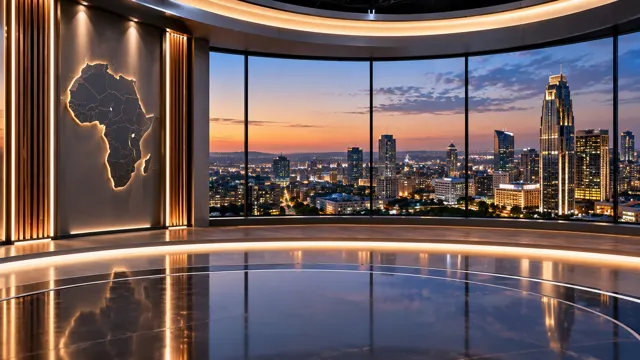
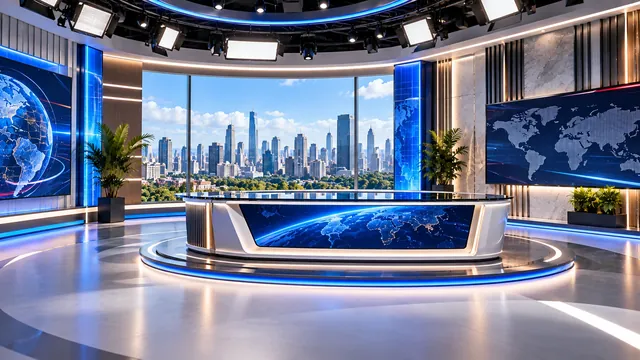
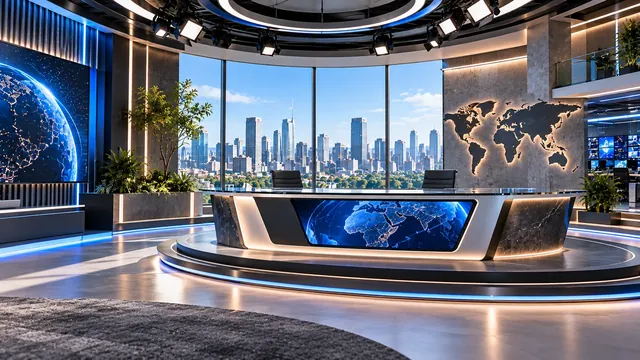
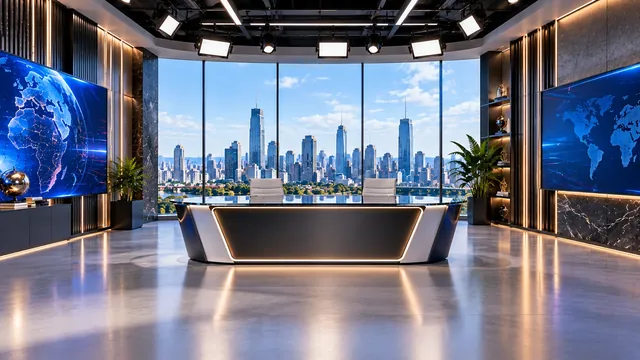
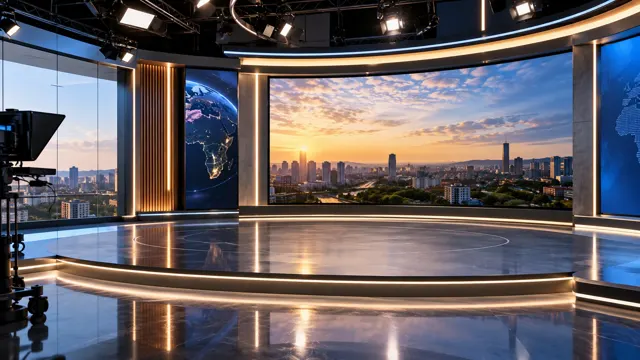
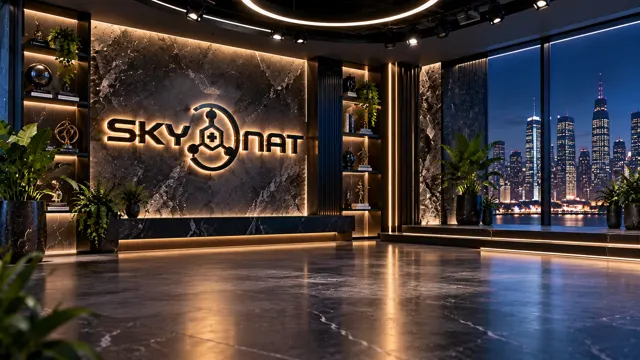
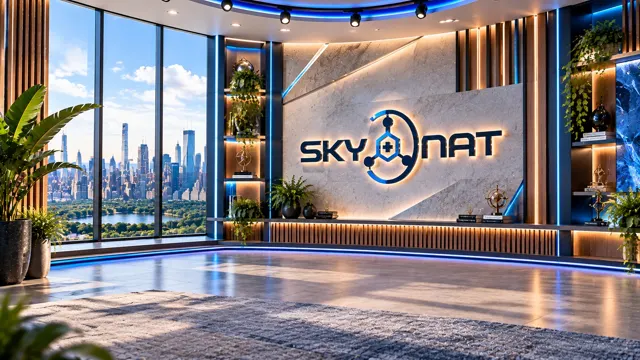
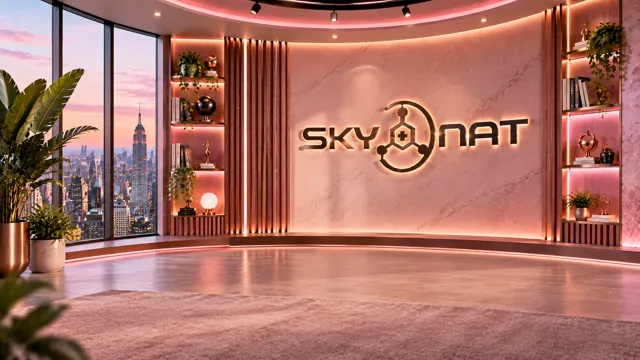
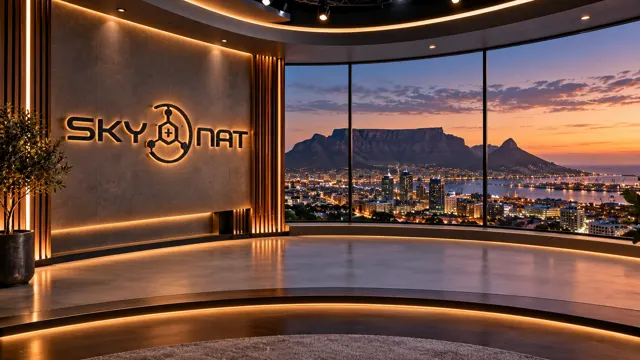
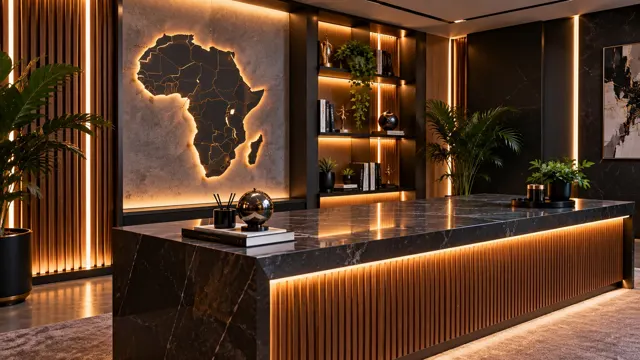
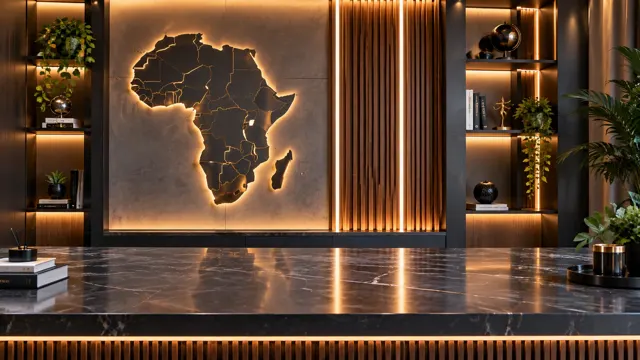
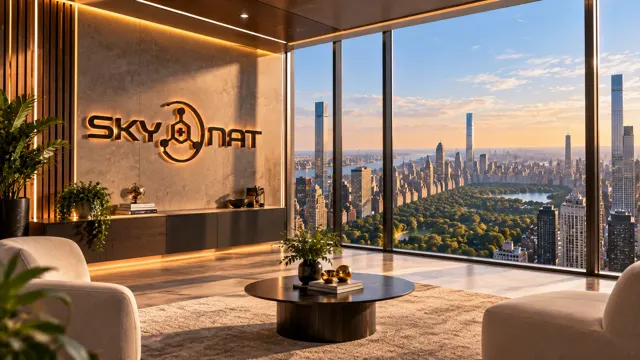
Standing news sets over Manhattan and Cape Town by day and night, desk sets where you sit behind a marble counter, lounges with a chair to sit in. Each set knows where its screens and windows are, where the presenter stands, and how its floor reflects.
What it means: drop a camera onto a set and it is already in the right place — behind the desk, on the chair, beside the wordmark.
Wide, medium and a push-in on the screen: the virtual camera moves the set and the presenter together, the way a real camera would. Save a scene per shot and cutting between angles is cutting between scenes.
Which matters because: a set that never changes shot looks like a photograph. One that pushes in on the screen looks like television.
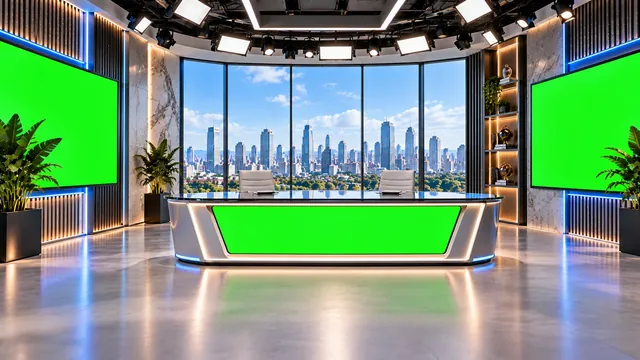
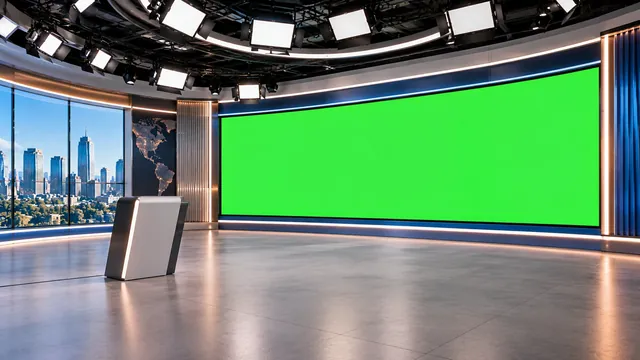
The wall of screens behind the presenter plays your slides, a Bible verse, a second camera or a video, carried by the virtual camera like everything else. Sets that ship with a green screen area work too: the green is keyed so the picture shows through and the bezel stays.
In practice: the preacher stands in front of the verse; the reporter stands in front of the live shot.
Switch on the depth engine and the set stops being a picture behind you and becomes a room you stand in. The app reads the set itself — where its floor is, where its walls and its desk stand, where the light comes from — and puts you in that space at your real size. The desk stands on the floor in front of you; walk towards the camera and you step in front of it. A polished floor reflects you and your shadow sits under your feet. Zoom, and the desk moves more than the wall, exactly as it would through a real lens. Sets you import get the same treatment: any rendered room becomes a room with depth.
Why it matters: this is the difference between a video call with a novelty background and a presenter who is plainly standing in a studio. As far as we know, it is only available commercially in Skynat Live.
Pan, tilt or zoom the real camera — a PTZ head, or an ordinary camera that watches marks on the wall — and the set moves with it, the way a real studio would through the lens. A push-in on the presenter is a push-in on the room they stand in.
In practice: an operator can work the camera the way they always have, and the studio behaves like a studio.
Give the app one measurement of the room — the height of the camera, or a mark on the floor — and it works out where everything is from there: where the presenter stands, how far they are from the desk, how big they are on the set. Add a second camera at the side, any ordinary camera or a phone, and it can follow the presenter across the room as they move, from any number of cameras, and keep them the right size and in the right place on the set.
Our recommendation: one main camera is enough for a studio; a second camera at the side is what makes a presenter who walks look right. A phone on a tripod will do.
The presenter is found in an ordinary room — with nothing behind them but the room — and put into the set with the virtual camera, the floor and the screens, exactly as a keyed presenter. The cut-out is made for the very frame it is drawn on, so it never trails a moving presenter, and its edge follows the picture’s own edge at full resolution. Or simply blur the room.
When to use it: a hotel room, somebody else’s office, a guest who has nothing but a laptop.
With Skynat Live Max the depth engine goes further. Your real shadow — the one you cast on the green screen — is cast onto the set’s floor and wall, at the angle its light would throw it. The light of the room falls on you: a warm set warms you, a cool one cools you, and the edge of you takes the set’s own light. The presenter stops being a flat cut-out and takes their own shape, so a desk hides exactly what a desk would hide and the set’s light falls across a shoulder before a chest. And a room filmed on a phone becomes a set with real depth: walk around it once with the camera and it is yours.
What you see: a presenter and a set that were plainly lit by the same light, in the same room.
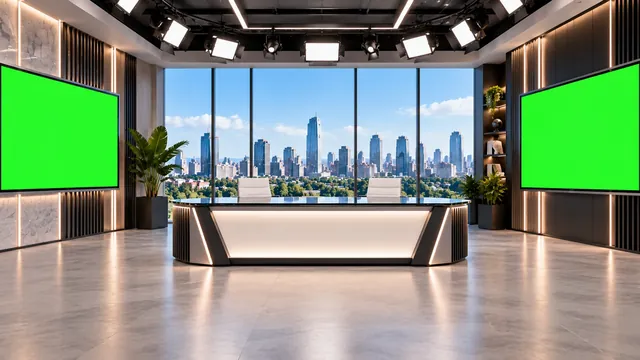
The desk is a layer with its real shape, cut out of the set and drawn over the presenter, so they sit behind it — or step in front of it. Frame the camera chest-up and it reads exactly like a news desk. A lounge puts them on the chair. A standing set puts them where the brand stays readable.
Mark a screen once and it plays whatever you choose. The newsroom set has three; the Cape Town and Manhattan sets use the whole window; your own imported set can have as many as you draw.
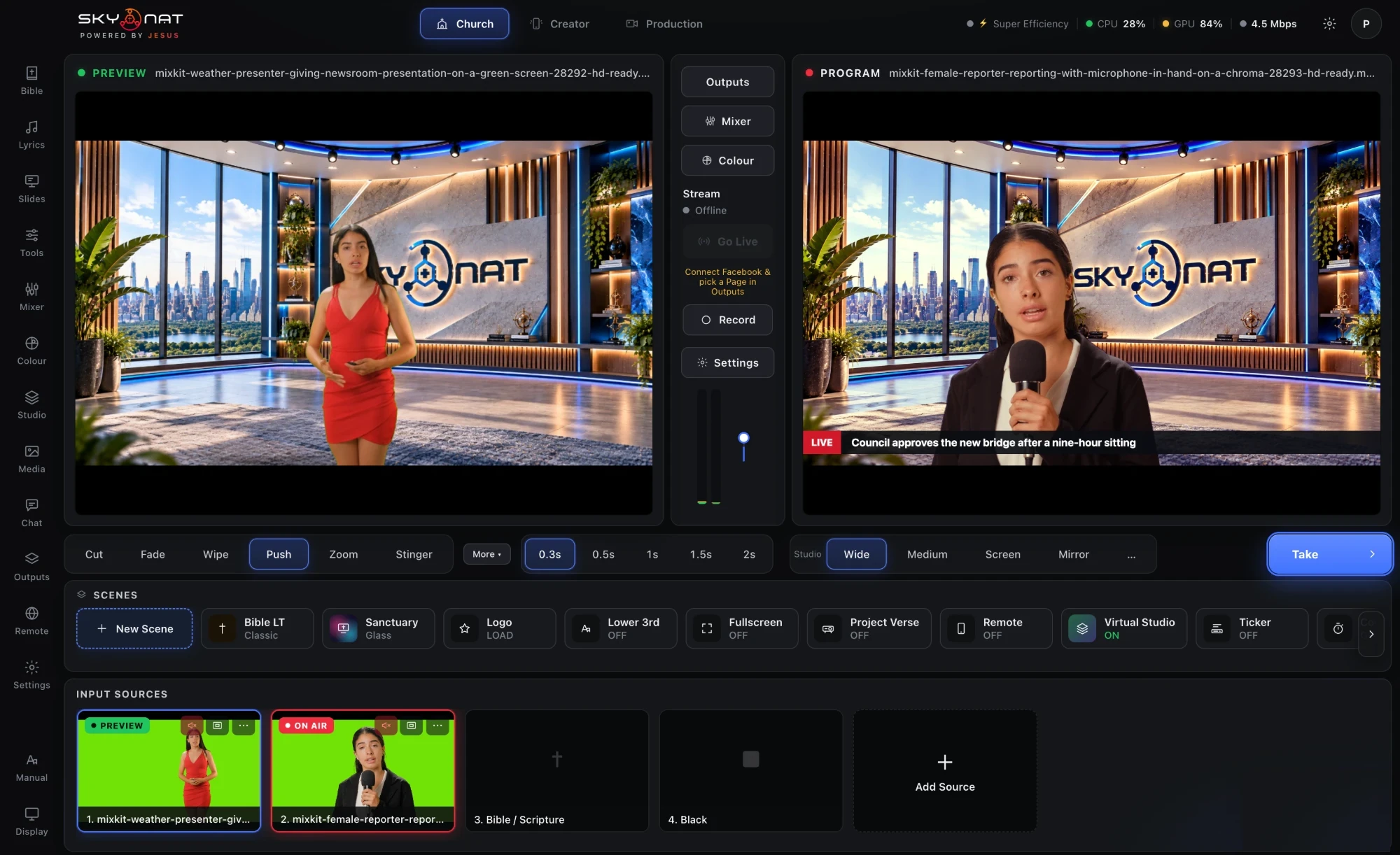
Two green-screen cameras on the desk, both standing in the same set: one on Preview, one on Program, a headline strap over the top. Take, and the cut moves between them the way a news gallery does — the set, the light and the strap stay put.
Rendered for Skynat Live, with the layout marked: where the screens are, where to stand, how the floor reflects. Pick one and you are in it.




Click the screen in your picture, or let it find the colour itself.
Removes green bouncing back onto skin and clothing.
Stops the hard cut-out look around hair and shoulders.
Trim away anything past the edge of your sheet before keying.
See the matte itself, so you fix a problem before it is on air.
So pointing at the screen on your left points at it on screen.
The finished studio shot goes out as a camera for TikTok, Instagram in a browser, Zoom or Teams.
A phone on a tripod in front of a green sheet is a complete setup.
Save a scene per shot and cut between them.
The twenty-two sets and any set you import become rooms with real depth — a desk to stand behind or step in front of.
Any number of ordinary cameras can follow the presenter across the room; the set keeps them the right size and in the right place.
Film a real room once on a phone and stand in it, with the camera free to move.
The face found and lit, the shadows opened and skin kept true — before the key, so the presenter in the set is well lit.
Sets are rendered at 1920×1080 and ship inside the app. Import any JPG or PNG of your own and mark its screens — including green ones, which are keyed so video shows through — and the depth engine reads it as a room like the sets in the box.
Or $19 a month. Affordable, and everything is in it — every update in the year included, nothing renews on its own. Max, with the heavy GPU features, is $599 a year or $79 a month.
