
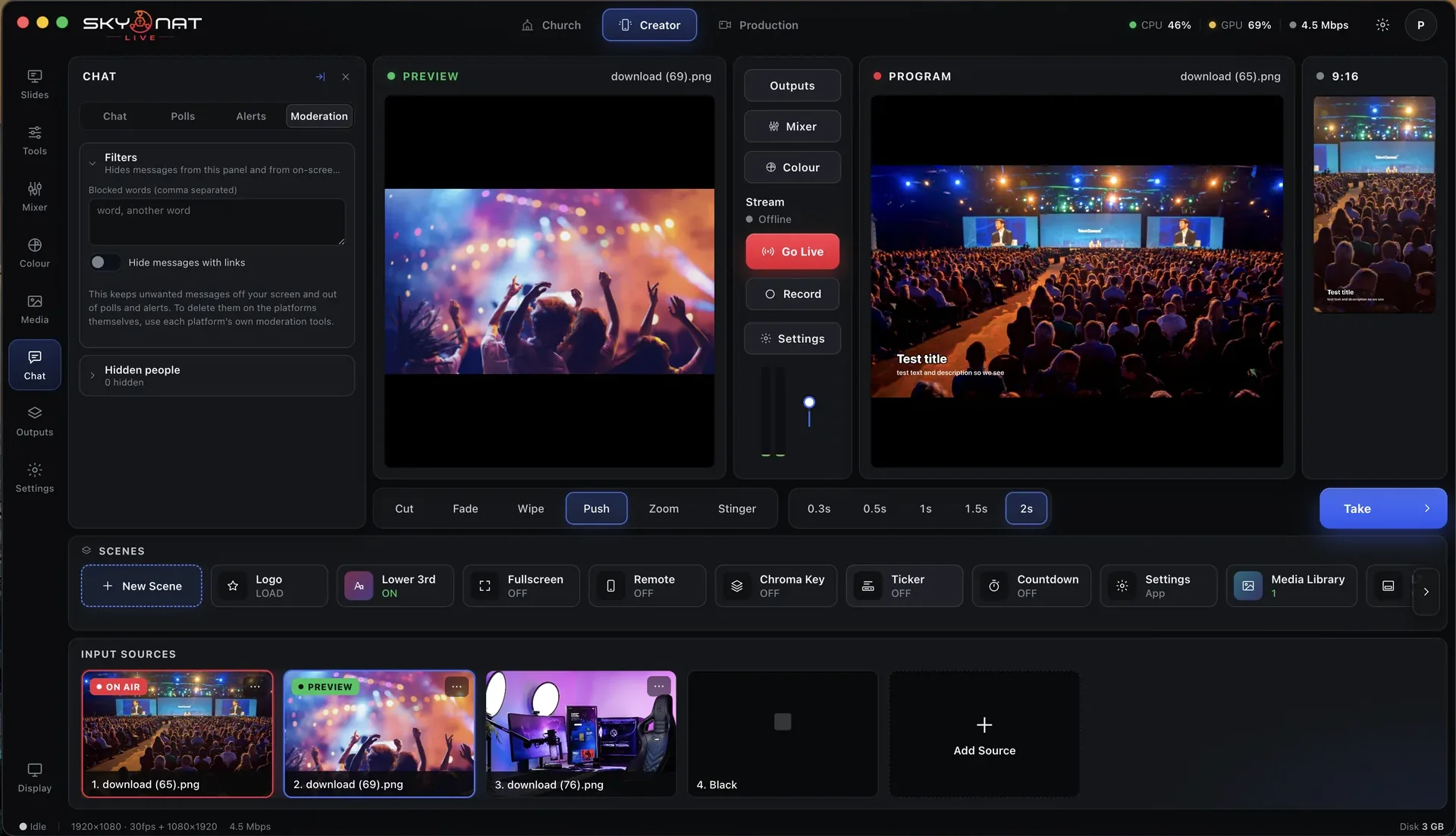
Lower thirds, tickers, countdowns, motion graphics, chroma key and virtual sets — designed already, editable if you want, and driven from the same desk as everything else.

Every graphic is a button. Nothing needs to be dragged onto the canvas while you are live.
A list of feature names tells you nothing. Here is the problem each one solves, and what the show looks like without it.
Designed, animated, and ready. Drop in a name and a role and it is on air — with the in and out animations already timed.
Without it: names go on screen as a text box in a default font, which is the single fastest way to look amateur.
Build your own from your fonts, your colours and your shapes when the six are not the six you wanted.
Without it: your brand stops at the logo and the rest of the screen belongs to somebody else’s design defaults.
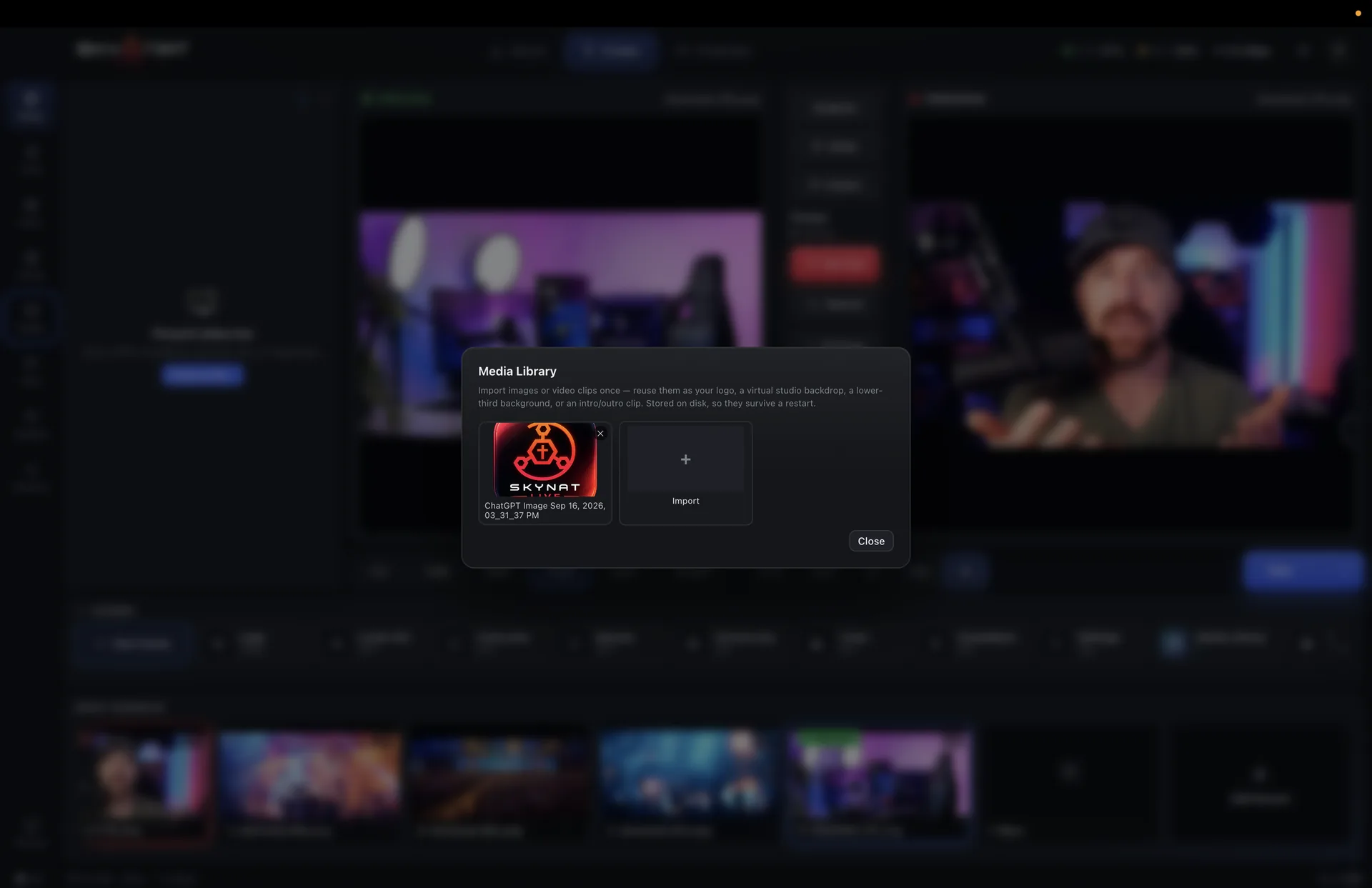
Animated graphics that stay sharp at any size, with a searchable library built in and your own imports alongside it.
Without it: motion means pre-rendering a video file every time a single word changes.
A keyer of the kind broadcast uses: learn the empty screen once and every part of it keys against its own green, the green rim comes off hair and shoulders, the edge is tightened and softened by the pixel, the set’s light wraps the edge, and a real shadow you cast on the screen is kept — with a matte view so you can see what it is doing.
Without it: the presenter has a green halo and the fringe of their hair is gone.
Twenty-two rendered sets, or your own backdrop, with the presenter placed into it — and the screens and windows on the set play a clip, a live feed, a second camera or your slides. Background blur and removal too, for when there is no green screen at all.
Without it: the shot is whatever wall the camera was pointed at.
Scrolling text along the bottom, a clock to the start of the show, and your mark in the corner at the opacity you choose.
Without it: the three graphics every live show needs are the three you have to build from scratch.
Pick one, put your colours in, and every lower third for the rest of the show matches. The animation timings are set — no keyframes, no easing curves, no decisions.
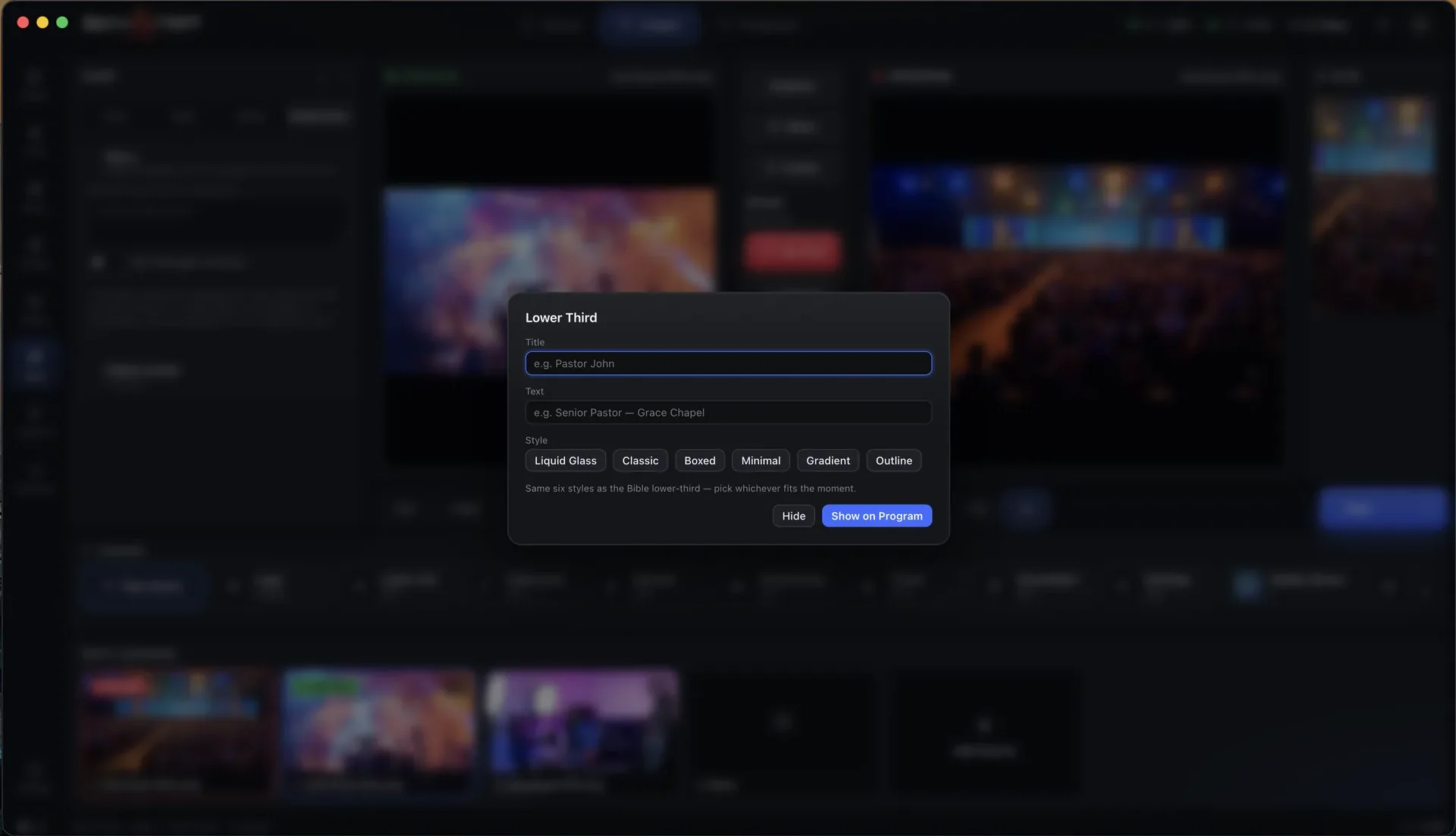
Armed on the desk, taken on and off like any other source, and sitting over the picture without covering the face.
Search it, preview it, and drag it onto the desk. Intros and outros can be set to play automatically at the top and tail of the show.
Full-frame branded holding slides for before, after and between.
Top and tail the show without touching anything.
Put a viewer question on air as a designed graphic.
Position, size and opacity, on every output or just some.
Catalogued and searchable, with your own files imported alongside.
On the stream, on the stage display, or both.
A graphic can belong to a scene, so taking the scene brings it with you.
Anything designed once can be saved as a preset and recalled on any future show.
Or $19 a month. Affordable, and everything is in it — every update in the year included, nothing renews on its own. Max, with the heavy GPU features, is $599 a year or $79 a month.
