
Preview what is next, take it to air, and let the software worry about the part where a phone in the back row has to behave like a proper camera.
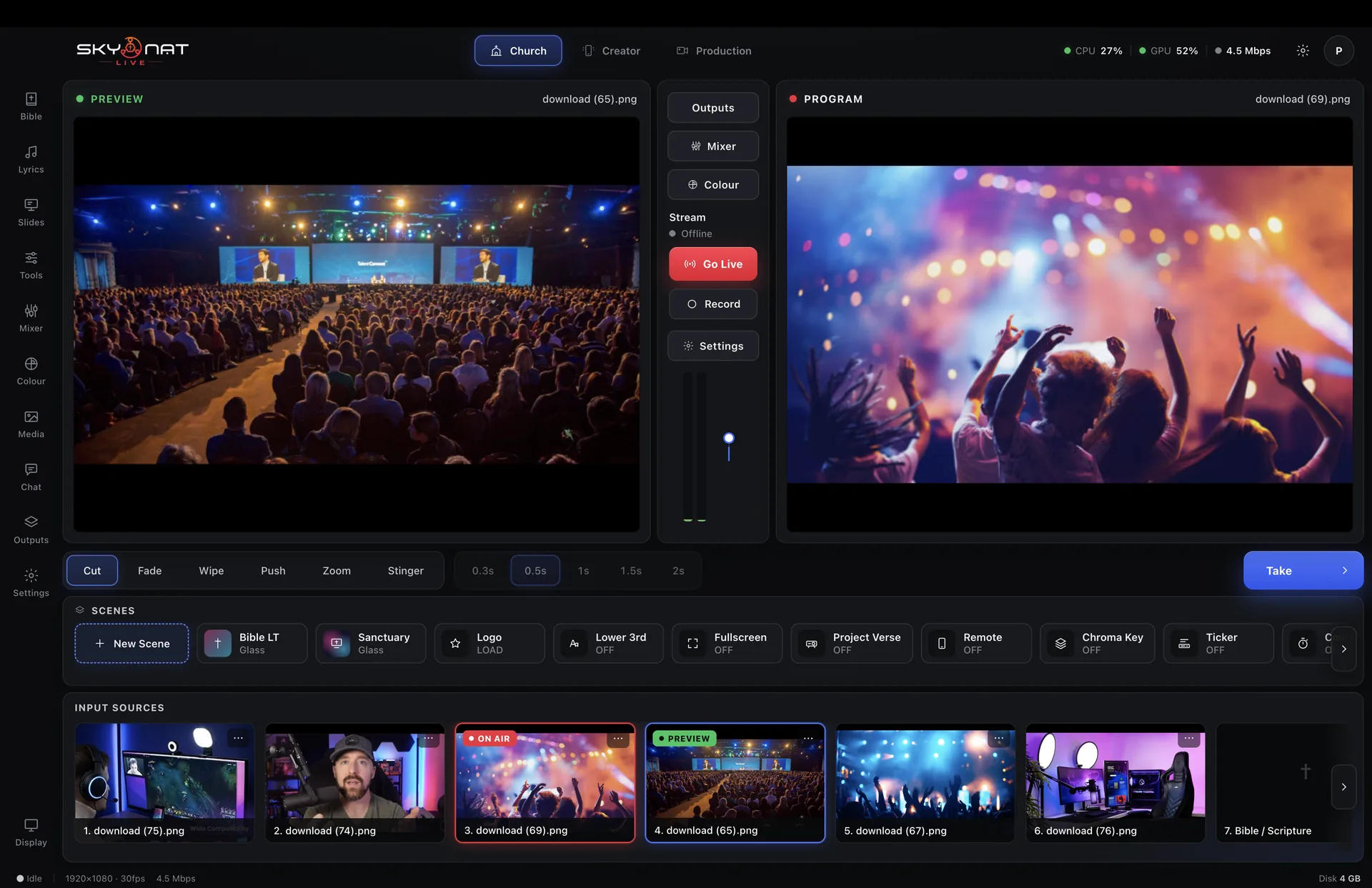
Nothing here needs a capture card. A laptop webcam and two phones is a three-camera shoot.
A list of feature names tells you nothing. Here is the problem each one solves, and what the show looks like without it.
Two monitors, the way a gallery works. Line up the next shot, check the framing, check the levels, then Take. Nothing reaches the audience until you decide it does.
Without it: you are cutting blind — every reframe, every misjudged shot and every source that was not ready happens in front of the audience.
Cameras, capture cards, screens, windows, video files, stills, playlists, RTMP feeds and remote guests, in any combination up to twenty.
Without it: you are closing one thing to open another, mid-show, and hoping nothing takes a second longer than it should.
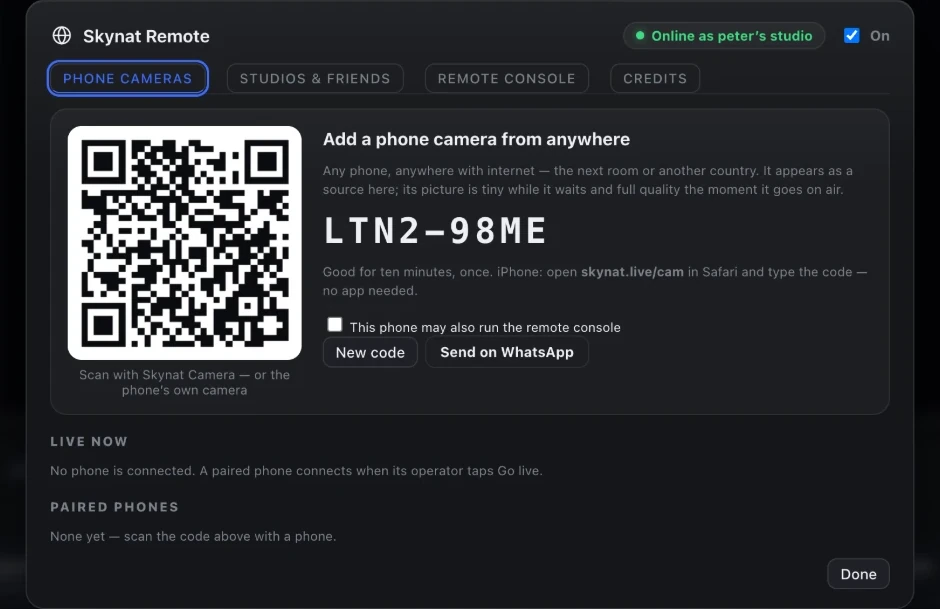
A free companion app turns any phone into a wireless camera on the local network. Eight of them at once, each with its own exposure, focus and framing control from the desk.
Without it: every extra angle is another camera to buy, another cable to run and another operator to find.
A remote contributor scans a code and joins as a full input. The router is opened automatically by NAT-PMP or UPnP; if your connection cannot accept an inbound guest at all, it tells you before the show rather than during it.
Without it: remote guests arrive through a video-call window captured off a second screen, at whatever quality the call felt like giving you.
A whole layout — which sources, where, at what size, with which graphics — saved and recalled in one click. Build the whole show in the afternoon and press buttons in the evening.
Without it: every layout change is a live drag-and-resize with the audience watching.
Zoom, cube, flip, doors and iris, on top of cut, fade, wipe, push and slide. Plus a stinger from your own animation, or one generated from your logo.
Without it: every change is a cut or a dissolve, and the show looks like a video call.
The app shows a code, the phone reads it, and it is on the desk. No pairing, no accounts, no IP addresses typed into anything. On the local network it is near-instant; over the internet it takes the port negotiation a moment longer.
Robotic cameras over VISCA, with presets you can recall as part of a scene — so taking a shot also moves the camera to it. Speed and easing are yours to set.
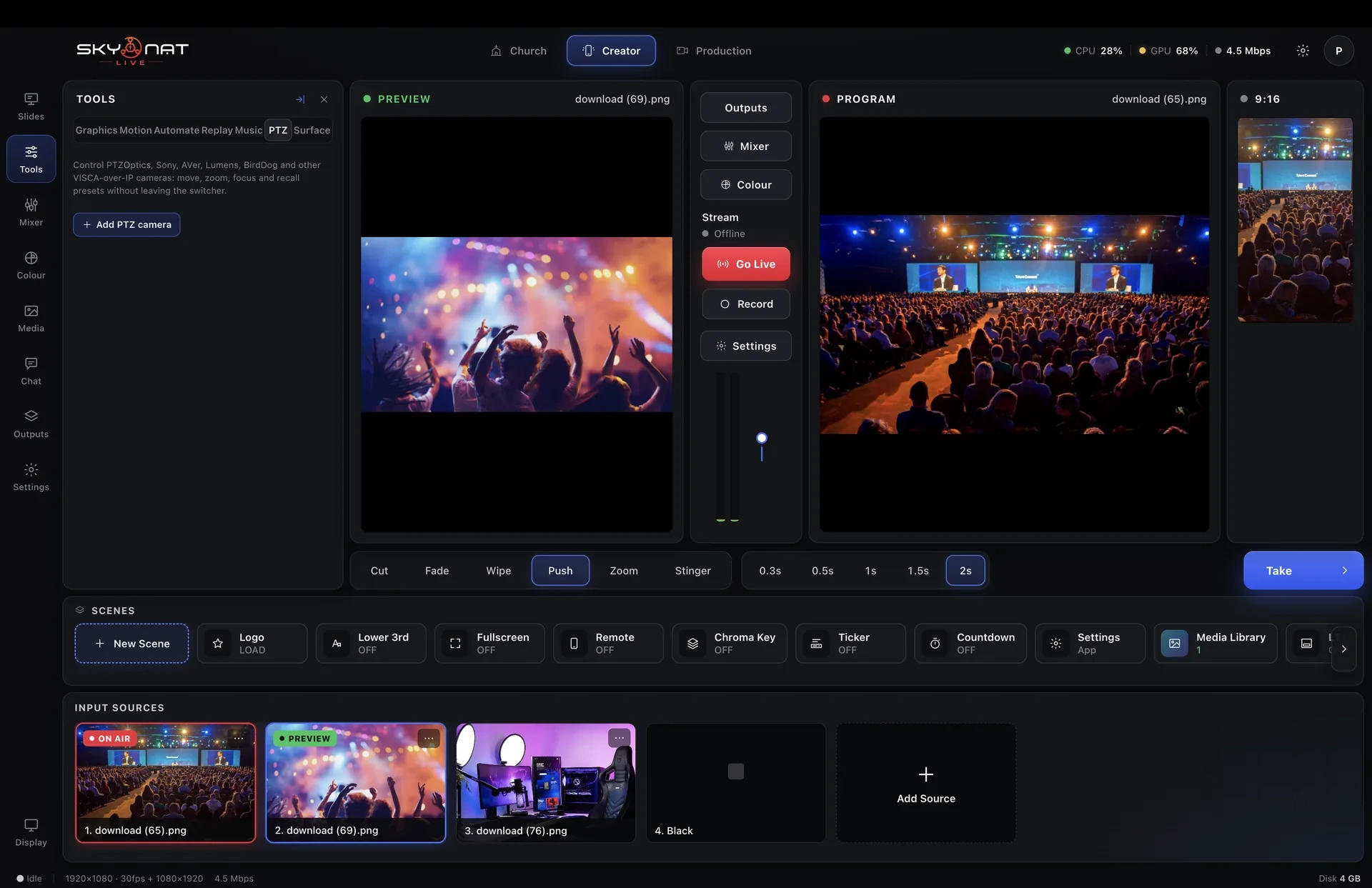
Keeps a presenter who walks about centred in frame without anyone touching a joystick.
Drag, scale, rotate and layer sources on a canvas, with snapping and safe areas.
Every input plus preview and programme on one screen, on a second monitor.
A separate output for the people on camera — countdown, next item, and what the audience is seeing.
Up to four sources on screen at once, in layouts you define.
See and hear a guest, set their levels and fix their framing, all before anyone else can.
Every switching action bound to a key, and re-bindable to the keys you already know.
Send the finished programme into Zoom, Teams or Meet as though it were a webcam.
Source count is the total across every type — a twelve-camera shoot with four graphics and a playlist still fits.
Or $19 a month. Affordable, and everything is in it — every update in the year included, nothing renews on its own. Max, with the heavy GPU features, is $599 a year or $79 a month.
