
OBS works, and it is free — after the scene collections, the plugin hunting and the configuration that most people give up halfway through. This arrives with the same pieces already connected.
Free account · Windows and Mac · One payment, no monthly subscription

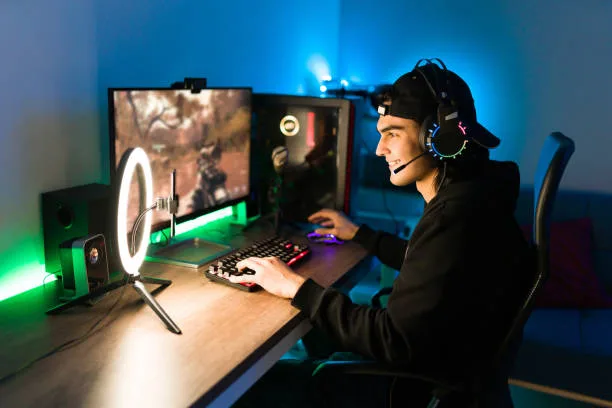
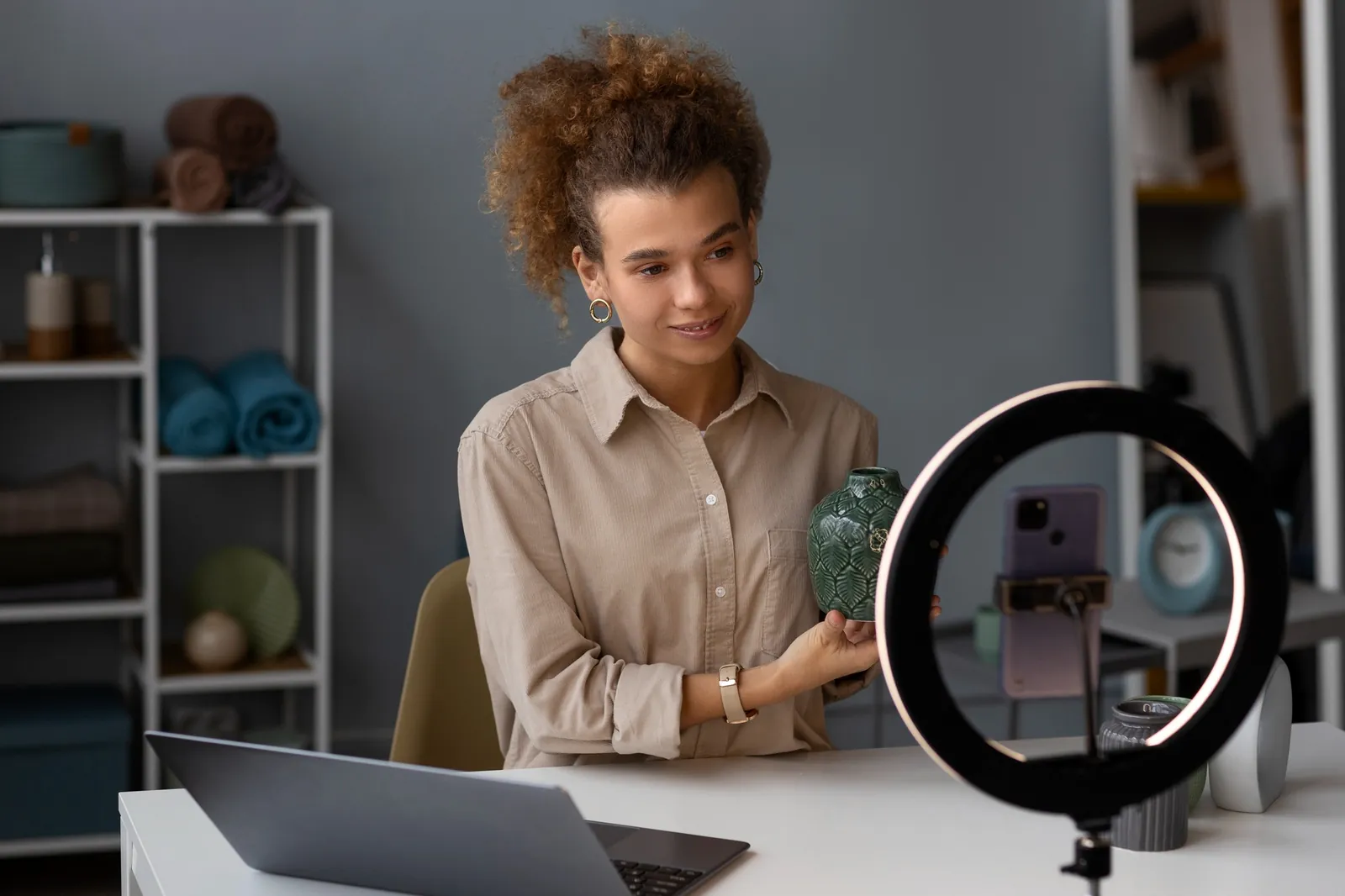
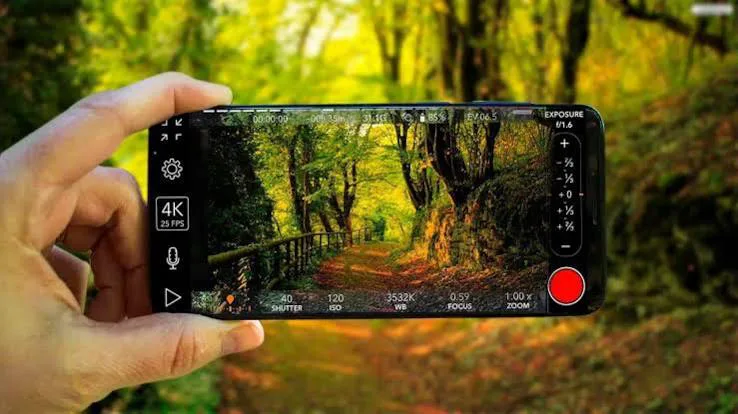
A wall of green paint or a $20 cloth is the whole hardware budget. Four backdrops are included and you can import your own.

Program, preview, recording and the stream all flip together between 16:9 and 9:16, so a vertical clip is not a separate project.

Build a media library once, set an intro and outro that fire automatically, and trigger subscribe and follow bugs while you are live.

Scan a code and a web page opens with live thumbnails of every source. Nothing to install, and you are not stuck at the keyboard.
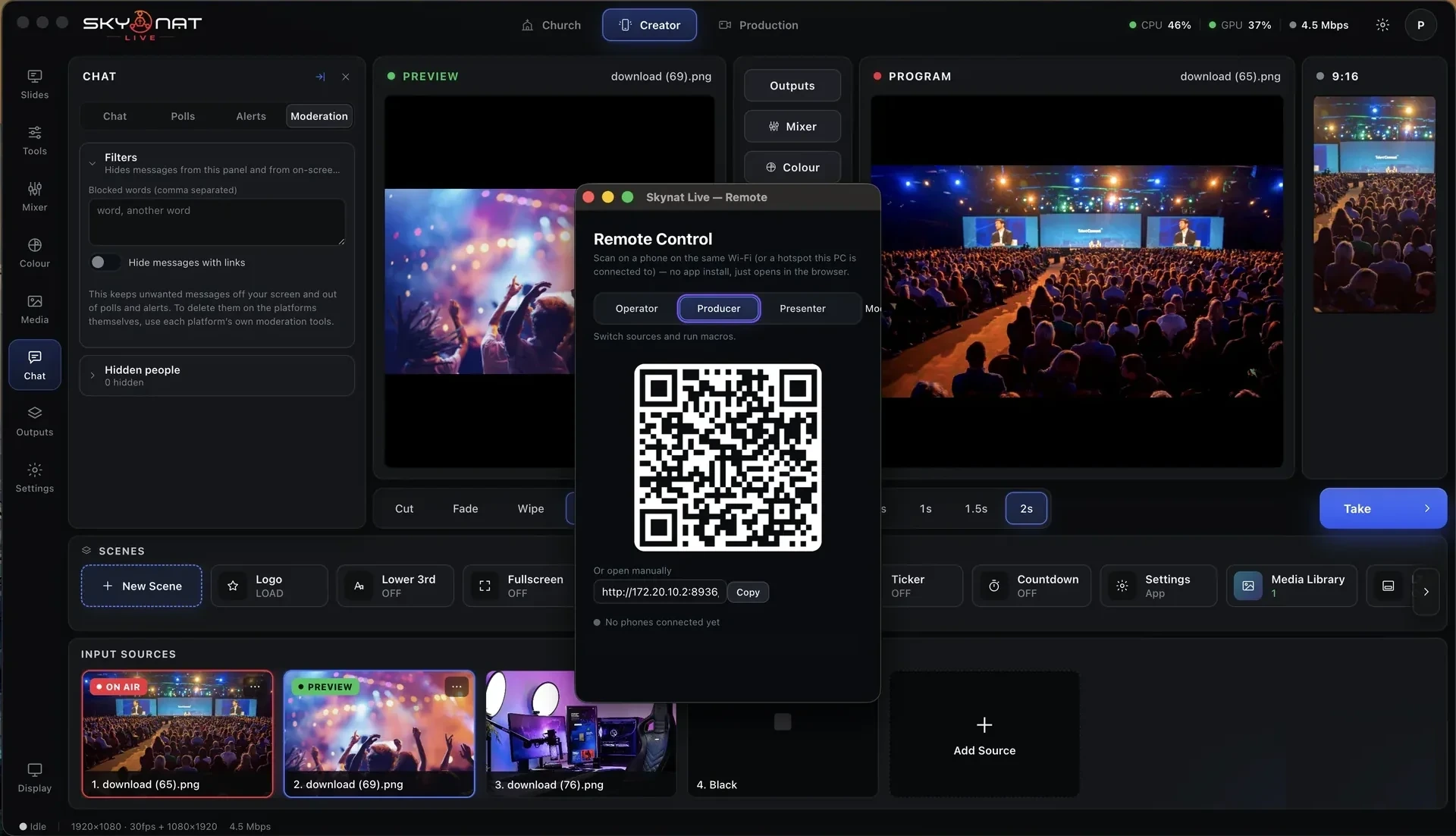
Preview what is coming next, take it to air, and rebuild the whole layout in one click.
See it in fullA proper desk — channel strips, groups, and processing that keeps the level steady on its own.
See it in fullWheels, curves, secondaries and broadcast scopes — the grading a cinema colourist works with, running live on the graphics card.
See it in fullYouTube, Facebook, Instagram, TikTok, custom RTMP and SRT — each reconnecting on its own.
See it in fullNever stream at all if you do not want to. Record up to 4K, every camera to its own file, ready for the edit before you have packed up.
See it in fullLower thirds, tickers, countdowns, a media library — and a virtual studio that needs a green sheet and a spare room.
See it in fullPhones become cameras, guests join from anywhere, and you can run the switch from your pocket.
See it in fullOr $19 a month. A year at a time or month by month; nothing renews on its own.
Not per camera, not per destination — the whole studio.
The account is free. The licence is issued as soon as you buy, and you can be live the same day.
Buy now — $99→ Create free account