
Preview and Program side by side, every source as a tile underneath, and a Take button between them. That is the whole idea, and everything else in the application is arranged around it.
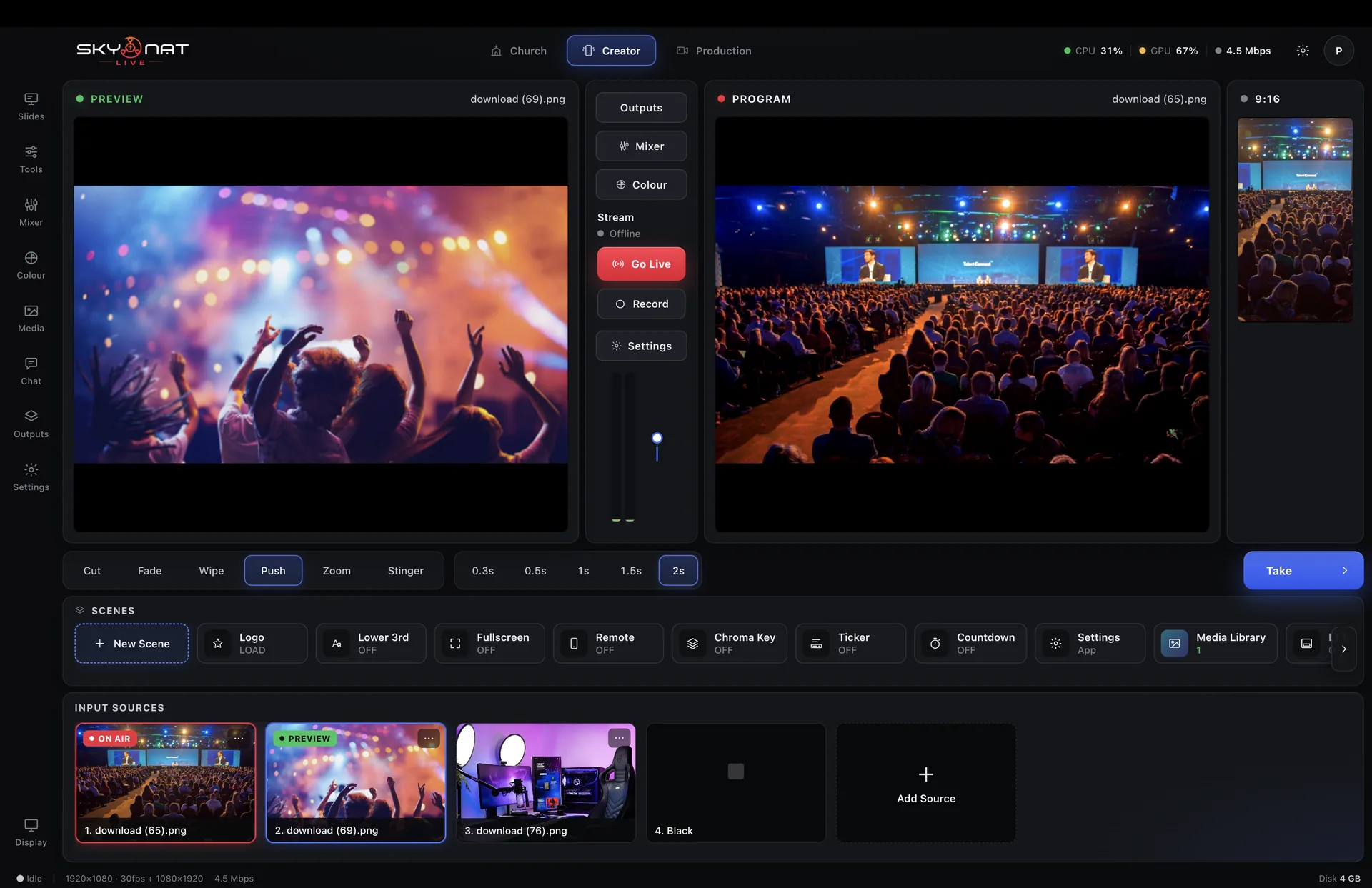
Cut, fade, wipe, push and zoom, plus cube, flip, doors, iris and slide that turn in three dimensions. Set the duration once and every take uses it.
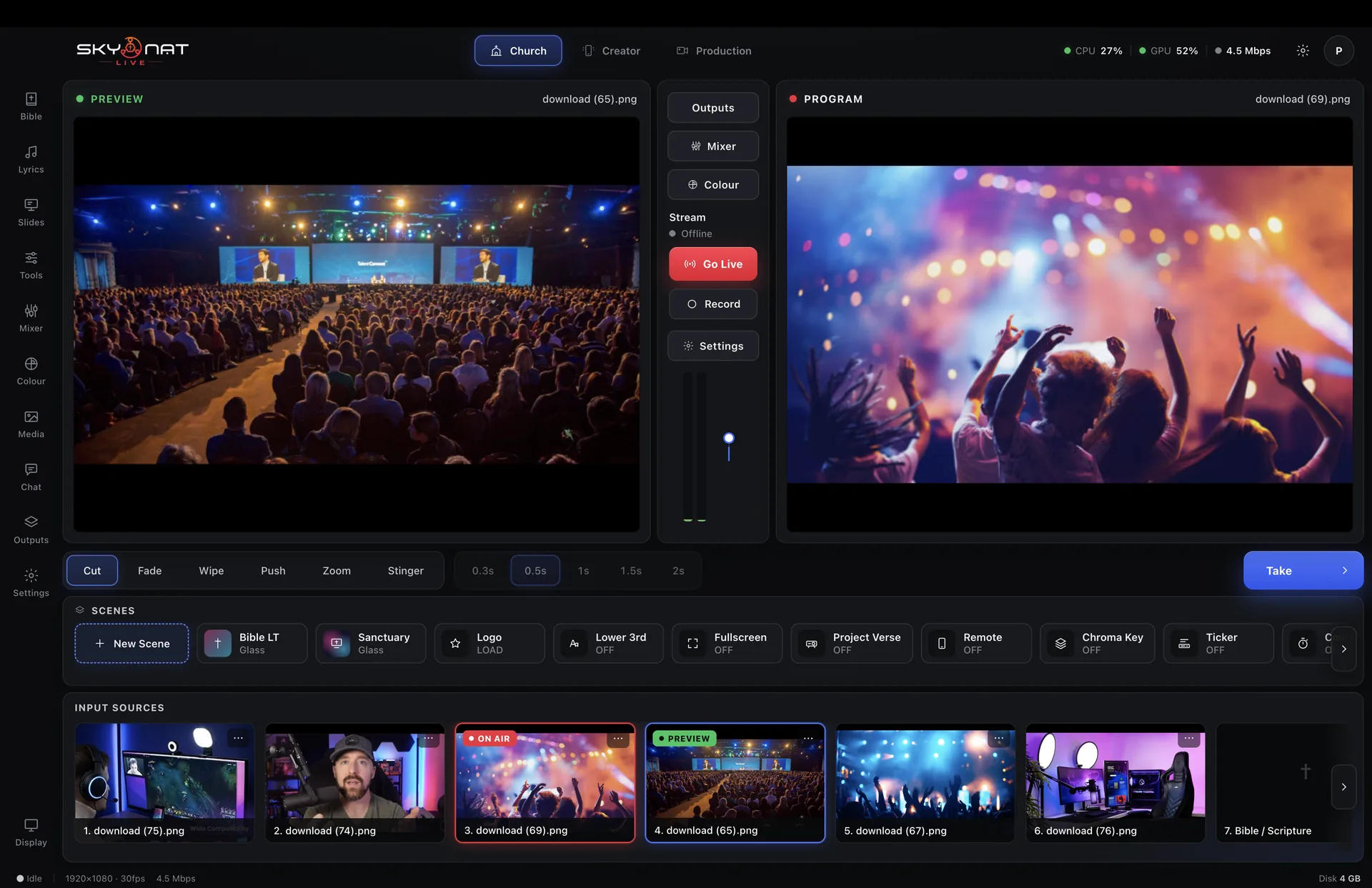
A scene remembers which source is on air, which graphics are up and how the layout is arranged. Build one for the open, one for the main event, one for the break, and move between them without touching anything else.

Most stingers have to be bought or made in After Effects. This one is drawn from your own colour and logo — five shapes, and the switch happens while the screen is completely covered.

A proper desk — channel strips, groups, and processing that keeps the level steady on its own.
See it in fullWheels, curves, secondaries and broadcast scopes — the grading a cinema colourist works with, running live on the graphics card.
See it in fullYouTube, Facebook, Instagram, TikTok, custom RTMP and SRT — each reconnecting on its own.
See it in fullNever stream at all if you do not want to. Record up to 4K, every camera to its own file, ready for the edit before you have packed up.
See it in fullLower thirds, tickers, countdowns, a media library — and a virtual studio that needs a green sheet and a spare room.
See it in fullPhones become cameras, guests join from anywhere, and you can run the switch from your pocket.
See it in fullOr $19 a month. Affordable, and everything is in it — every update in the year included, nothing renews on its own. Max, with the heavy GPU features, is $599 a year or $79 a month.
