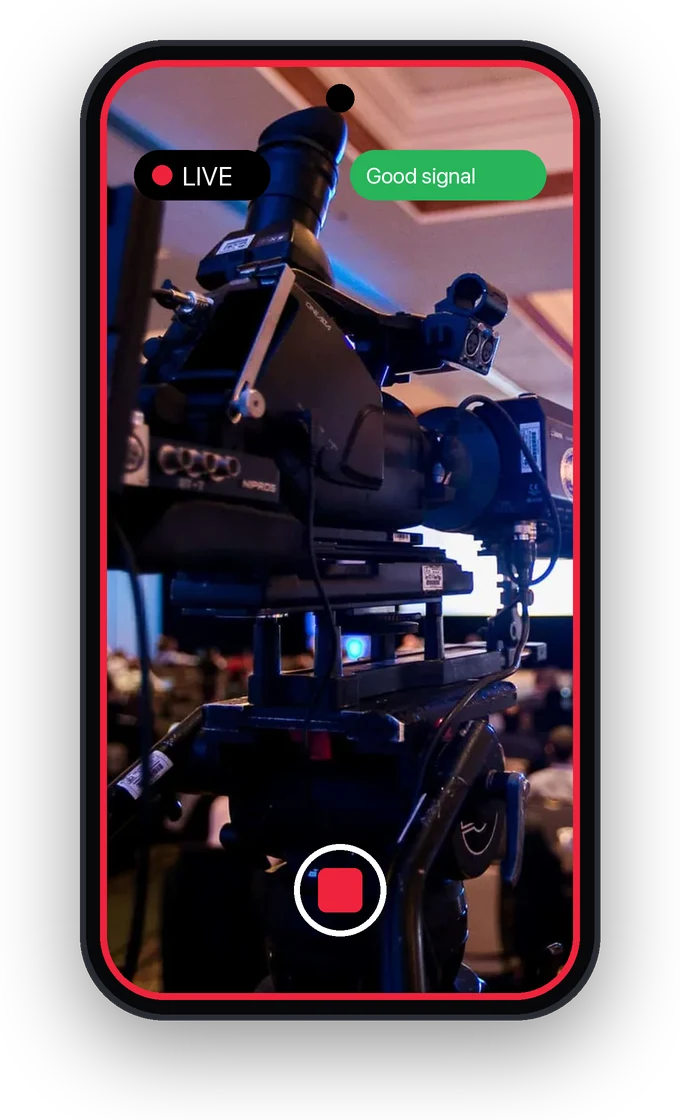
Open Studio in Skynat Camera Beta and the phone becomes the production: your camera on PROGRAM, lower thirds and a verse on the picture, one of ten Skynat studios behind you, and a GO LIVE button that goes to YouTube, Facebook, Twitch, X or any RTMP address. No computer in the chain.
30 days free from your first sign-in on the phone, then $5 a month or $25 a year. Already on a Skynat Live plan? The Mobile Studio is included, on up to 3 phones. The camera itself stays free.
 LIVE · 00:12:40
We'll email your password and occasional product news. Unsubscribe any time. Privacy policy
The things a church, a school, a creator or a small station needs on the picture — without carrying a desk of gear.
YouTube, Facebook, Twitch and X are presets; any RTMP or RTMPS address works too. Pick the bitrate, watch the stream health, and it reconnects on its own if the link drops.
A name and title, a corner caption, a scrolling ticker and a clock — drawn on the picture the viewers see, broadcast-clean, in the Skynat look.
KJV and WEB on the phone, no signal needed. Type "John 3:16" or a few words, put the verse up, step to the next one while the preacher reads.
Stand in front of a green cloth and sit in the Skynat Desk, the Globe Newsroom, the Cape Town Sunset or the Video Wall — the same studios as the desktop app.
Pictures and title cards beside the camera, in a strip under PROGRAM. Tap one and it fills the picture while the microphone keeps going.
Your script scrolls over the preview at the speed you set, mirrored if you need it — never in the stream.
Record to the phone, on its own or while you are live, as an MP4 you can hand on or upload afterwards.
Resolution, frame rate, vertical video for Reels and TikTok, audio bitrate, mute, zoom, torch, exposure, focus and stabilisation — from sheets on the tool rail.
A green cloth behind you is all it takes. These ten are built into the phone app.
 Skynat Desk
 Skynat Blue
 Marble Night
 Globe Newsroom
 Skyline Newsroom
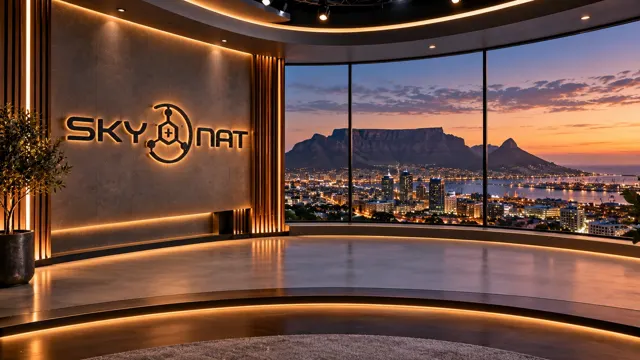 Cape Town Sunset
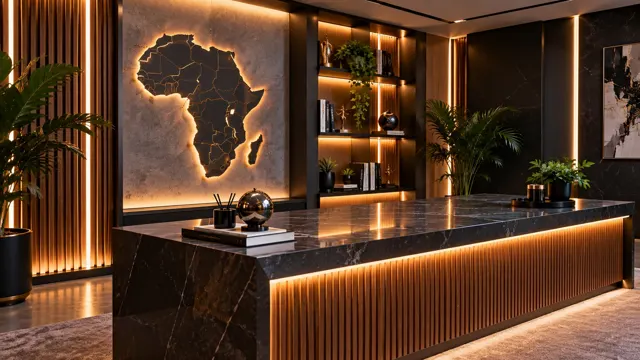 Africa Boardroom
 Manhattan Lounge
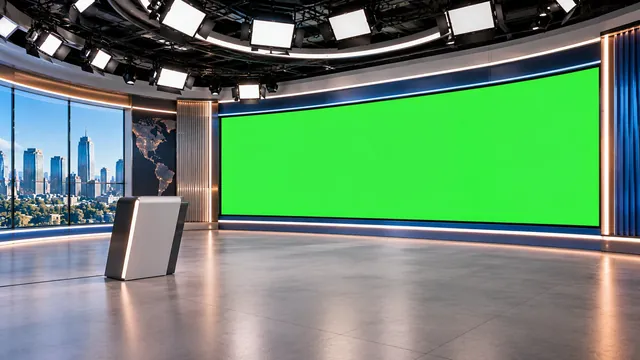 Video Wall
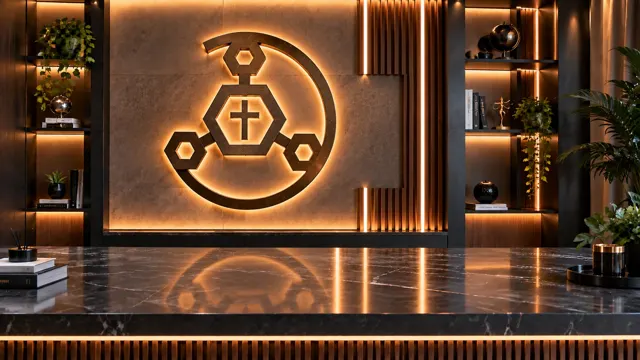 Emblem Desk, Dusk
No contract and nothing renews on its own — when the plan ends you renew from your dashboard, or you don't. The camera part of the app is free, always.
Starts the first time you sign in to Studio on the phone. Once per account.
About $2.08 a month. The year for the price of five months.
Month to month. For a conference, a crusade, a season.
On a Skynat Live desktop plan already? The Mobile Studio is included on up to 3 phones — just sign in to Studio with the same account. The Mobile Studio plan on its own does not open the desktop app; for that, Skynat Live is $99 a year.
An Android app, installed beside Skynat Camera. Download the APK and allow the install from your browser.
Use your Skynat account — free to create. Your 30-day trial starts the moment you do.
Paste the stream key from YouTube, Facebook, Twitch or X (or any RTMP server), put your graphics up, and press GO LIVE.
No. It is the phone studio only. Skynat Live for Windows and Mac is its own plan — and that plan includes the phone studio.
Up to 3 per account, on the trial, the Mobile Studio plan or a desktop plan. Sign a phone out from your dashboard to make room for another.
Yes. Using the phone as a camera for Skynat Live on the desktop, and the remote, stay free. Only Studio mode needs the plan after the trial.
Android first, while it is in beta. The iPhone app follows.
Install the app, sign in, and you have 30 days to go live as often as you like before it costs anything.
Download for Android↓ Get the yearly plan — $25