

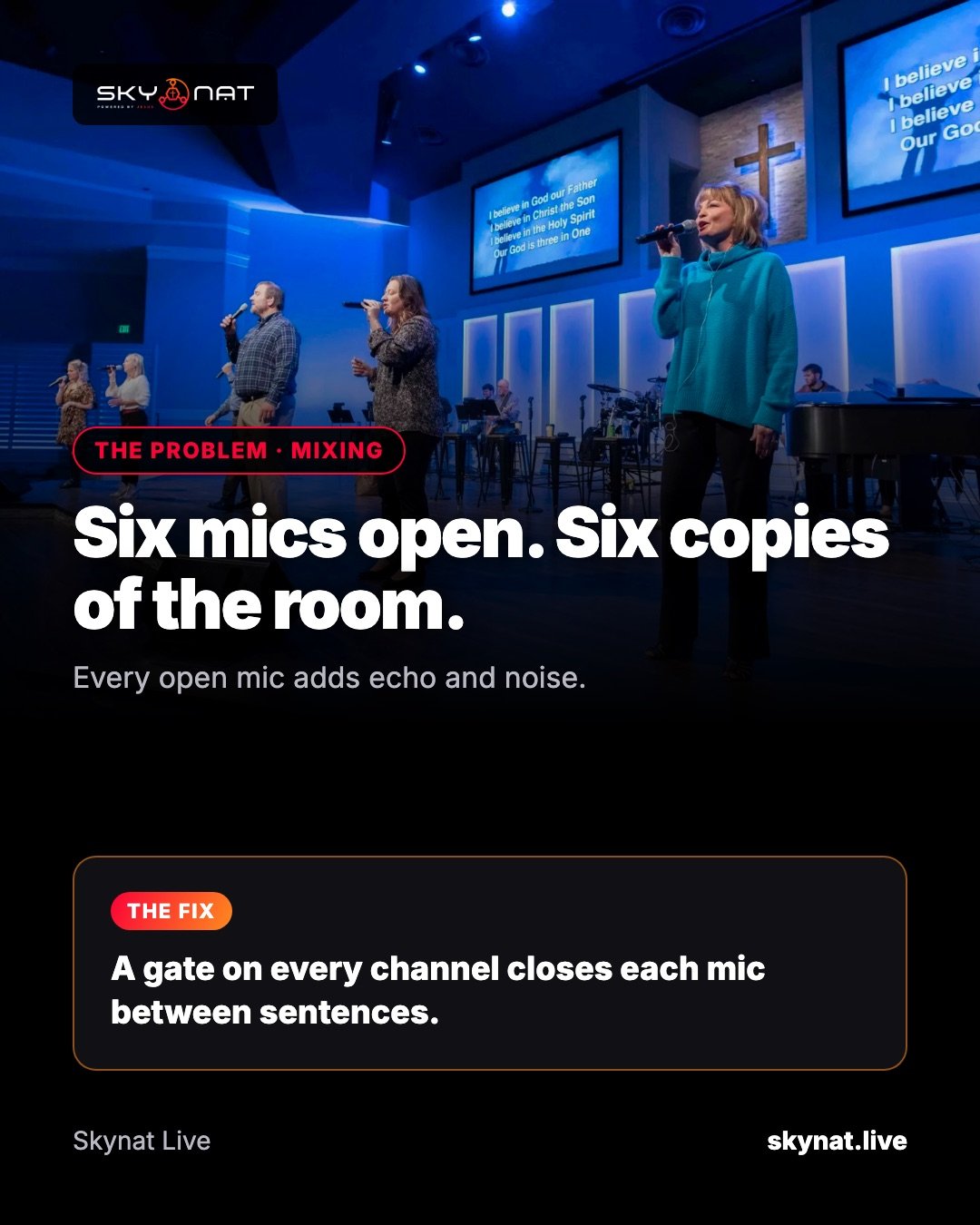
As soon as a stream has more than one microphone, audio gets harder. Every open mic picks up the room, the band and the other speakers, and the stream sounds hollow and echoey.
What a software mixer should have
- A gate on every channel, to close each mic between sentences.
- A compressor per channel, to even out quiet and loud speech.
- EQ, ideally drawn over a live spectrum so you can see the frequency you are cutting.
- Group faders and mute groups for the band or a panel.
- A headphone bus to listen before something goes live.
- Mix-minus for remote guests, so they do not hear themselves.
- Multitrack recording: each mic to its own track.
Settings that work for speech
- Gate: open just above the room noise, with a short release.
- Compressor: around 3:1, a few dB of reduction on normal speech.
- EQ: cut below about 80 Hz; reduce muddiness around 200–400 Hz.
- Leave headroom: peaks around −6 dB before the final limiter.
A console built into your streaming software
Skynat Live has a full mixing console: gate, voice isolation, compressor, auto leveller and 4-band EQ on every channel, group faders, mute groups, a headphone bus, mix-minus and multitrack recording.
Related guide: Why is my live stream audio so quiet? How to fix it (and the best software for it)
Skynat Live puts all of this in one application for Windows and Mac: $99 a year or $19 a month, everything included, nothing renews on its own. You can download it and try it before a real broadcast at skynat.live.
Questions people ask
Do I need a hardware mixer for live streaming?
Not always. A good software mixer can handle several microphones; a hardware desk helps when you have many inputs or a separate front-of-house mix.
Why does my live stream sound echoey?
Usually several open microphones picking up the room. Gate unused mics and move mics closer to speakers.