

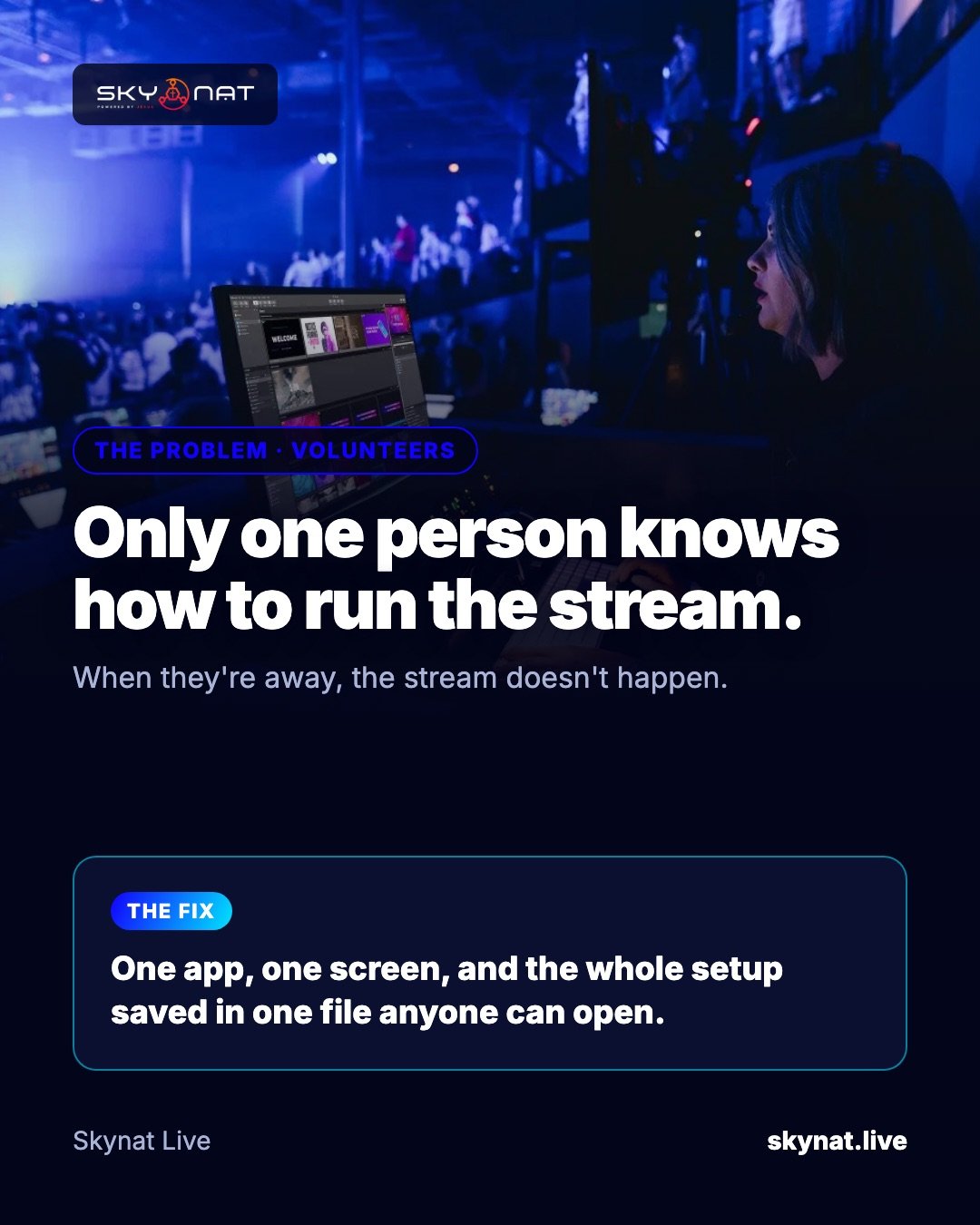
Most churches have the same weak point: one person built the streaming setup, and only that person can run it. When they are sick, travelling or simply tired, the stream does not happen — or it happens badly.
What makes streaming software volunteer-friendly
- One application, not five. Every extra app (lyrics, titles, audio, multistream) is another thing to open, connect and get wrong.
- Clear Preview and Program. A volunteer should see what is about to go live and what is live now, side by side.
- Big, obvious controls: Take, Go Live, Record — not hidden menus.
- The whole setup saved in one file that anyone can open on another computer.
- Sensible defaults: audio levels that look after themselves, destinations that reconnect on their own.
How to make any setup easier to hand over
- Write a one-page run sheet: open the app, check mics, check cameras, Go Live, Record.
- Label scenes in plain words: 'Worship', 'Sermon', 'Announcements' — not 'Scene 3'.
- Train two people per role, and let the second person run a real service while the first watches.
- Keep a holding slide and music ready, so a nervous start still looks calm.
The best option for volunteer teams
OBS is excellent and free, but it is a toolkit: lyrics, titles, multistreaming and serious audio usually mean plugins or extra programs. vMix is powerful but Windows-only and has a learning curve. Skynat Live was built for the volunteer case: cameras, audio console, lyrics, scripture, lower thirds and multistreaming are all in one app, with a Church mode laid out for a service, and the whole setup hands over in one file.
Related guide: How to run a live stream on your own
Skynat Live puts all of this in one application for Windows and Mac: $99 a year or $19 a month, everything included, nothing renews on its own. You can download it and try it before a real broadcast at skynat.live.
Questions people ask
What is the easiest live streaming software for a church?
The easiest is the one that needs no extra programs: cameras, audio, lyrics, scripture and multistreaming in one application, with clear Preview and Program windows.
How do I train church volunteers to live stream?
Use a one-page run sheet, plain scene names, two people per role, and let trainees run a real service while an experienced volunteer watches.