

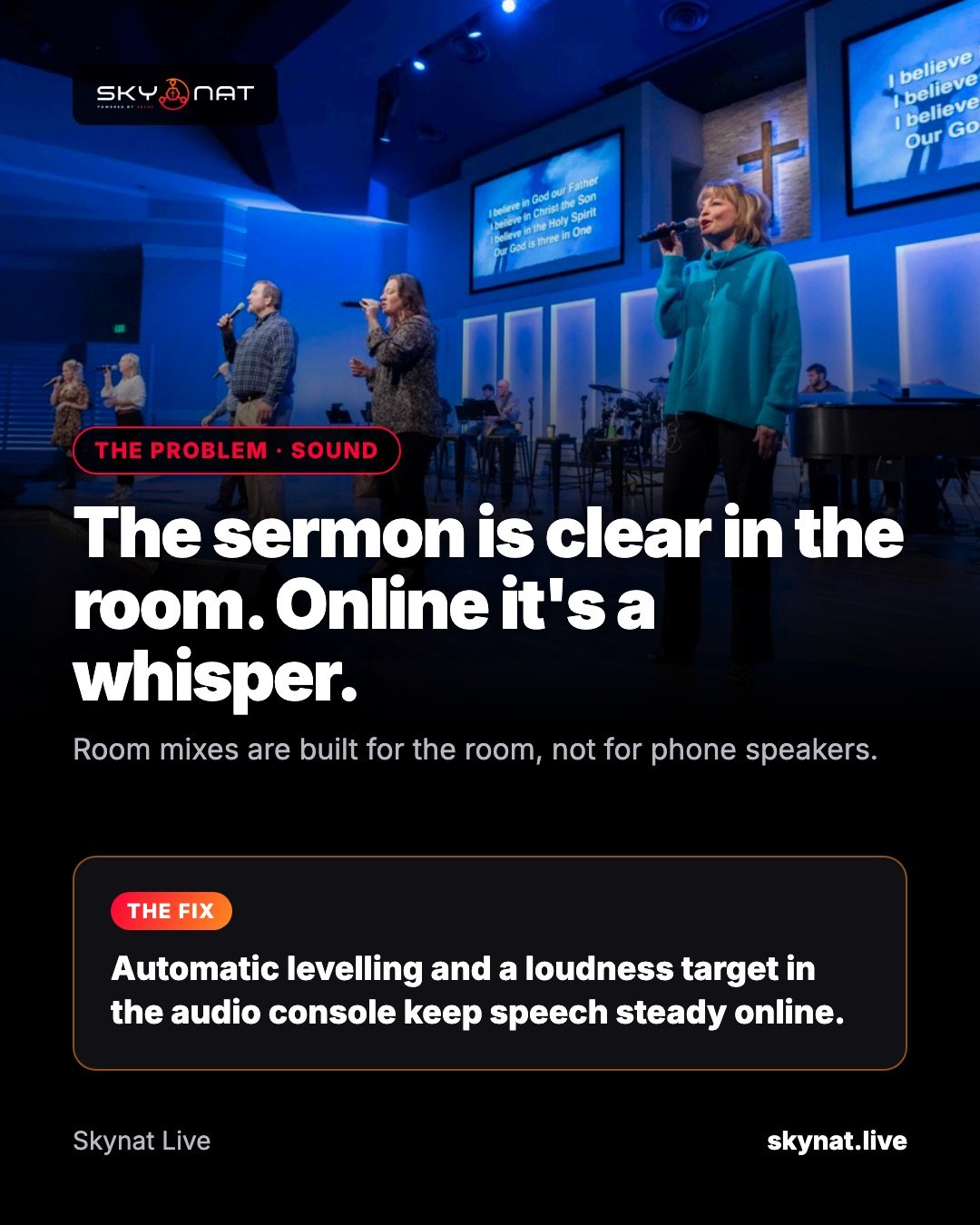
It is the single most common complaint about church and event live streams: everyone in the room heard every word, but online viewers had to turn their phones all the way up — and still struggled. Nothing is broken. The mix was simply built for the room.
Why a good room mix sounds quiet online
A room has a PA system doing the heavy lifting. The front-of-house mix is balanced against that loud acoustic space, so the signal sent to the stream is often low and very dynamic: quiet speech, then a loud band. On a phone speaker that turns into a whisper with occasional bursts.
Platforms make it worse in one direction only. YouTube turns loud videos down to a common level, but it does not turn quiet ones up. A quiet stream stays quiet next to every other video your viewer watched today.
The fix, step by step
- Take a separate feed for the stream, not the room's main mix — an aux or matrix send from your desk is ideal.
- Aim for about −14 LUFS integrated loudness, roughly where YouTube normalises. Speech should sit comfortably, not peak occasionally.
- Use gentle compression on speech (ratio around 3:1) so the quiet words come up and the loud ones do not jump.
- Add a limiter at the end so nothing clips when the band hits.
- Check the stream on a phone, on mobile data, with the sound on — not on studio monitors.
The best software for live stream audio
Most streaming software gives you a volume fader and leaves the rest to plugins. That works if someone on your team enjoys audio. If not, look for software with a proper console: per-channel compressor, gate and EQ, and automatic levelling, so speech stays steady without anyone riding a fader.
Skynat Live has that built in: a mixing console with a loudness target, automatic levelling, a compressor, gate and EQ on every channel, and voice isolation for noisy rooms. You set the target once and the stream arrives at a proper online level every week.
Related guide: Why your live stream audio sounds bad, and how to fix it
Skynat Live puts all of this in one application for Windows and Mac: $99 a year or $19 a month, everything included, nothing renews on its own. You can download it and try it before a real broadcast at skynat.live.
Questions people ask
What loudness should a live stream be?
Around −14 LUFS integrated is a safe target for YouTube and most platforms. Speech-heavy streams can sit slightly lower, but anything much below −20 LUFS will sound quiet next to other videos.
Why does YouTube not turn my quiet stream up?
YouTube's loudness normalisation only lowers loud content; it does not boost quiet content. The level has to be right before it leaves your computer.
Can I fix quiet audio without a new mixer?
Yes. Software compression, automatic levelling and a limiter on the stream feed fix most quiet streams without new hardware.