

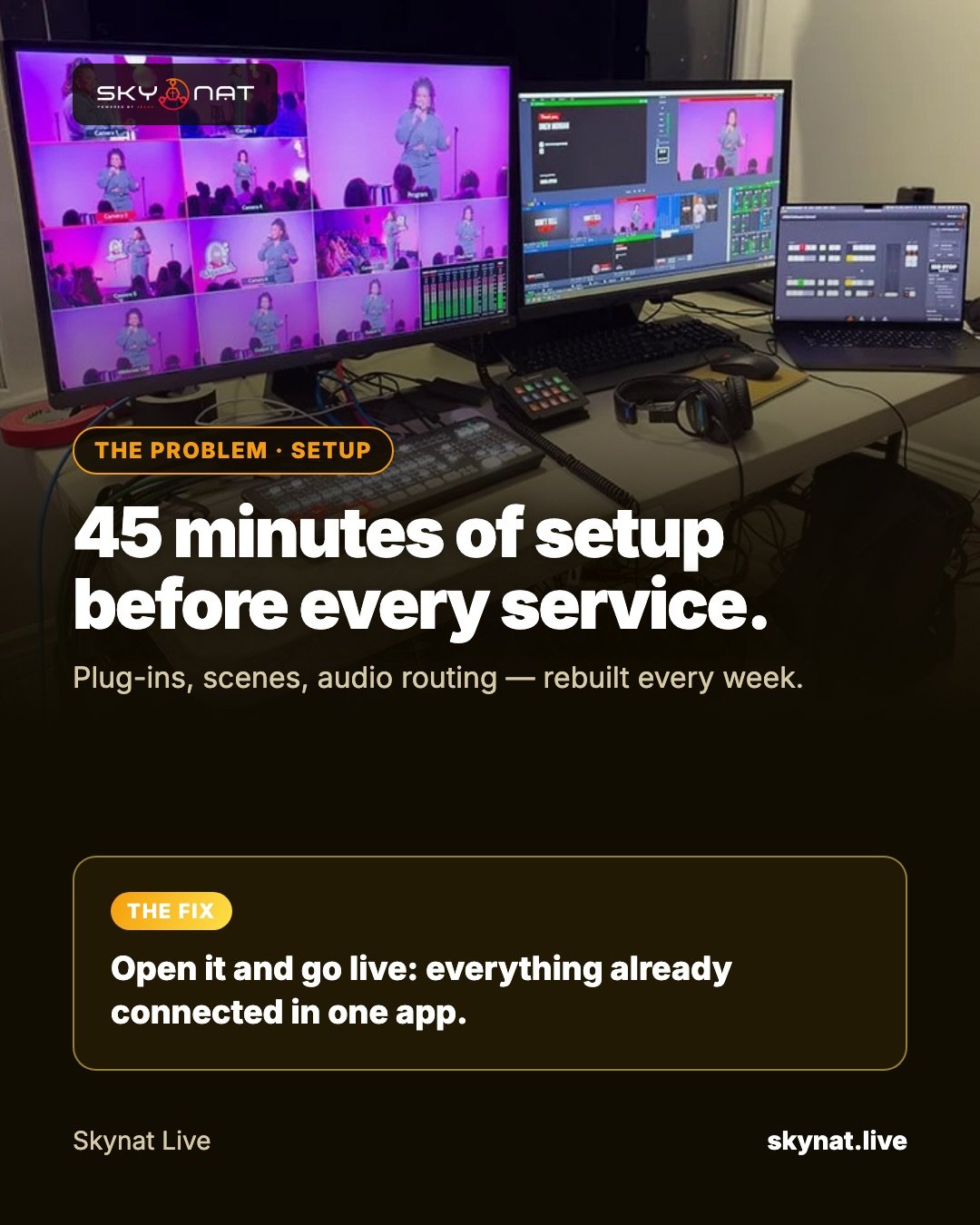
Beginners usually pick the free option, spend weeks assembling plugins and scenes, and rebuild half of it every Sunday. Others pick something so simple they outgrow it the moment they add a second camera.
What a beginner actually needs
- Cameras, screen capture and media files as sources, with Preview and Program.
- Audio that looks after itself: levels, compression, noise reduction.
- Titles and lower thirds without designing graphics from scratch.
- Streaming to the platforms you use, and recording at the same time.
- Room to grow: more cameras, phones as cameras, remote guests.
OBS or an all-in-one app?
OBS Studio is free and capable, and a huge community has documented everything. But it is a toolkit: many features beginners need come from plugins installed and configured separately. All-in-one apps cost money but save hours of setup and are easier to hand to someone else.
Our recommendation
Choose software that is easy on day one and still has headroom. Skynat Live opens ready: sources, audio console, graphics and destinations already connected, with Church and Creator modes laid out for what you are doing — and multi-camera, phone cameras, colour and virtual studios there when you need them.
Related guide: The best live streaming software in 2026, honestly compared
Skynat Live puts all of this in one application for Windows and Mac: $99 a year or $19 a month, everything included, nothing renews on its own. You can download it and try it before a real broadcast at skynat.live.
Questions people ask
What is the easiest live streaming software?
For most beginners an all-in-one app is easiest, because cameras, audio, graphics and streaming are already connected. OBS is free but takes more setup.
Is OBS good for beginners?
OBS is free and well documented, but beginners often spend a lot of time on plugins and settings before a stream looks professional.