

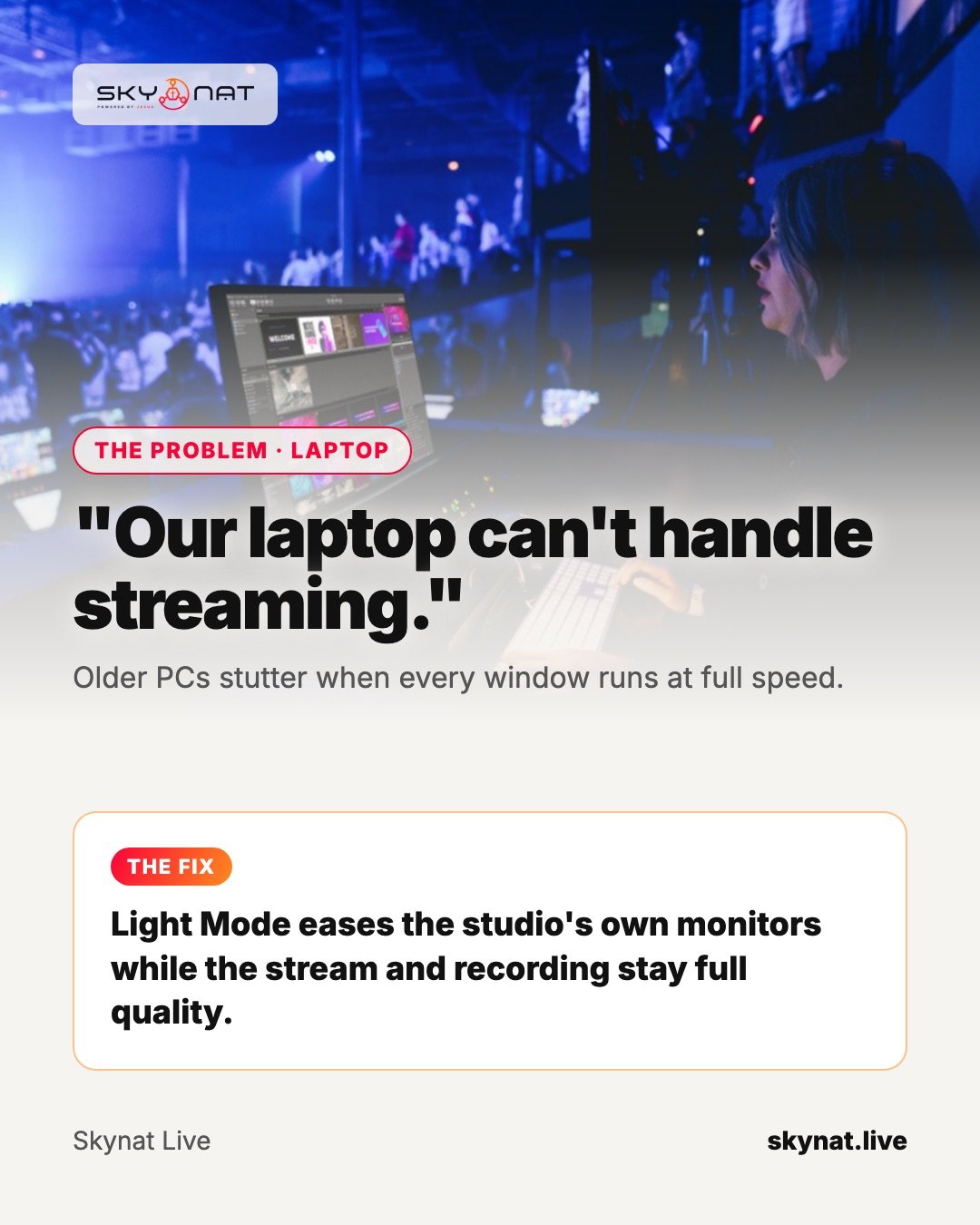
Plenty of churches and small studios stream from a laptop that is five or more years old. It can work — but most streaming software assumes a powerful machine, and an older one stutters, drops frames or overheats.
Why streaming is heavy
Your computer is doing several jobs at once: decoding every camera, drawing previews for each source, compositing graphics and encoding the final stream. On older machines the previews alone can take a surprising share of the work.
Settings that help on any software
- Use the hardware encoder (Intel Quick Sync, NVIDIA NVENC, AMD or Apple VideoToolbox), not software x264.
- Stream 720p at 30 frames per second; most viewers watch on phones anyway.
- Close everything else: browsers, chat apps, cloud sync.
- Plug the laptop in and use its high-performance power mode.
- Fewer live previews: you do not need every source animating all the time.
The best option for older computers
Skynat Live has a Light Mode that eases the studio's own preview windows on modest hardware while the stream and the recording keep full quality, and it uses the hardware encoder where your computer has one. It runs on Windows and Mac.
Related guide: What equipment do you actually need to live stream?
Skynat Live puts all of this in one application for Windows and Mac: $99 a year or $19 a month, everything included, nothing renews on its own. You can download it and try it before a real broadcast at skynat.live.
Questions people ask
Can I live stream on an old laptop?
Often yes: use the hardware encoder, stream 720p30, close other apps, plug it in and reduce live previews.
Is OBS good for low-end PCs?
OBS can run on modest machines with careful settings. Any software benefits from hardware encoding and fewer previews.