

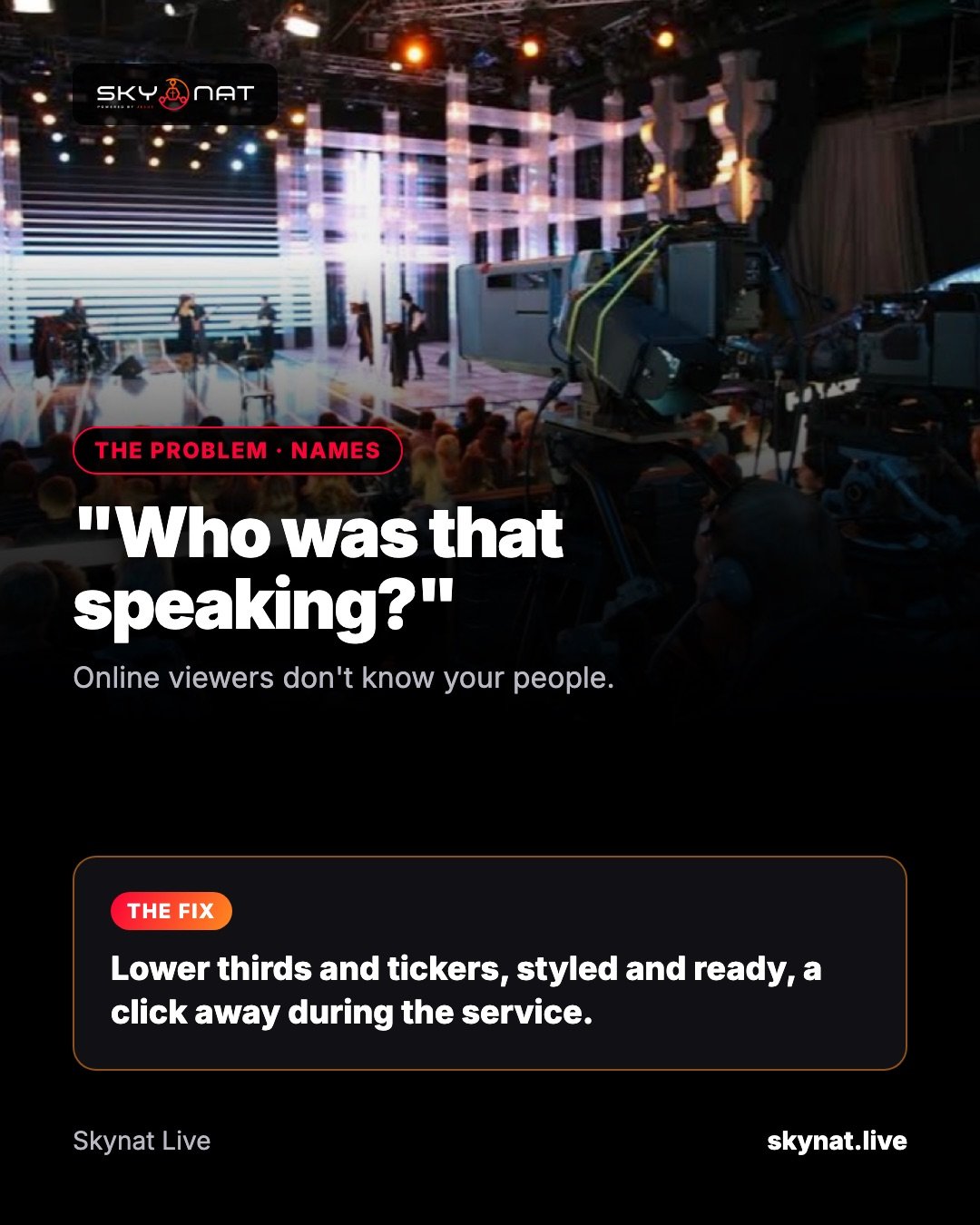
In the room everyone knows the pastor, the guest speaker and the person reading the notices. Online, half your viewers are new. A lower third — the name and title along the bottom of the screen — tells them who is speaking, at the moment they wonder.
When to use a lower third
- Every new speaker, for 6–8 seconds after they start.
- Guests and interviewees, with their role or organisation.
- Announcements: a short title and a web address.
- A ticker for events, giving details or prayer lines — sparingly.
Design rules that work on phones
- Large enough to read on a phone: if it looks big on your monitor, it is about right.
- Two lines at most: a name, and one short line under it.
- High contrast and your brand colours, the same style every week.
- Keep it off faces and out of the bottom corner where platforms put their own buttons.
Software options
You can build lower thirds as images in any streaming software, or use dedicated titling tools and browser-source templates. Skynat Live has lower thirds and tickers built in, with styles you set once and names you can prepare before the service, so each one is a single click on the day.
Related guide: How to put lyrics, scripture or any text on a live stream
Skynat Live puts all of this in one application for Windows and Mac: $99 a year or $19 a month, everything included, nothing renews on its own. You can download it and try it before a real broadcast at skynat.live.
Questions people ask
What is a lower third in live streaming?
A graphic in the lower part of the screen showing a speaker's name and title, or a short message, while the video continues behind it.
How long should a lower third stay on screen?
Six to eight seconds for a name is usually enough; longer for information viewers need to write down.