

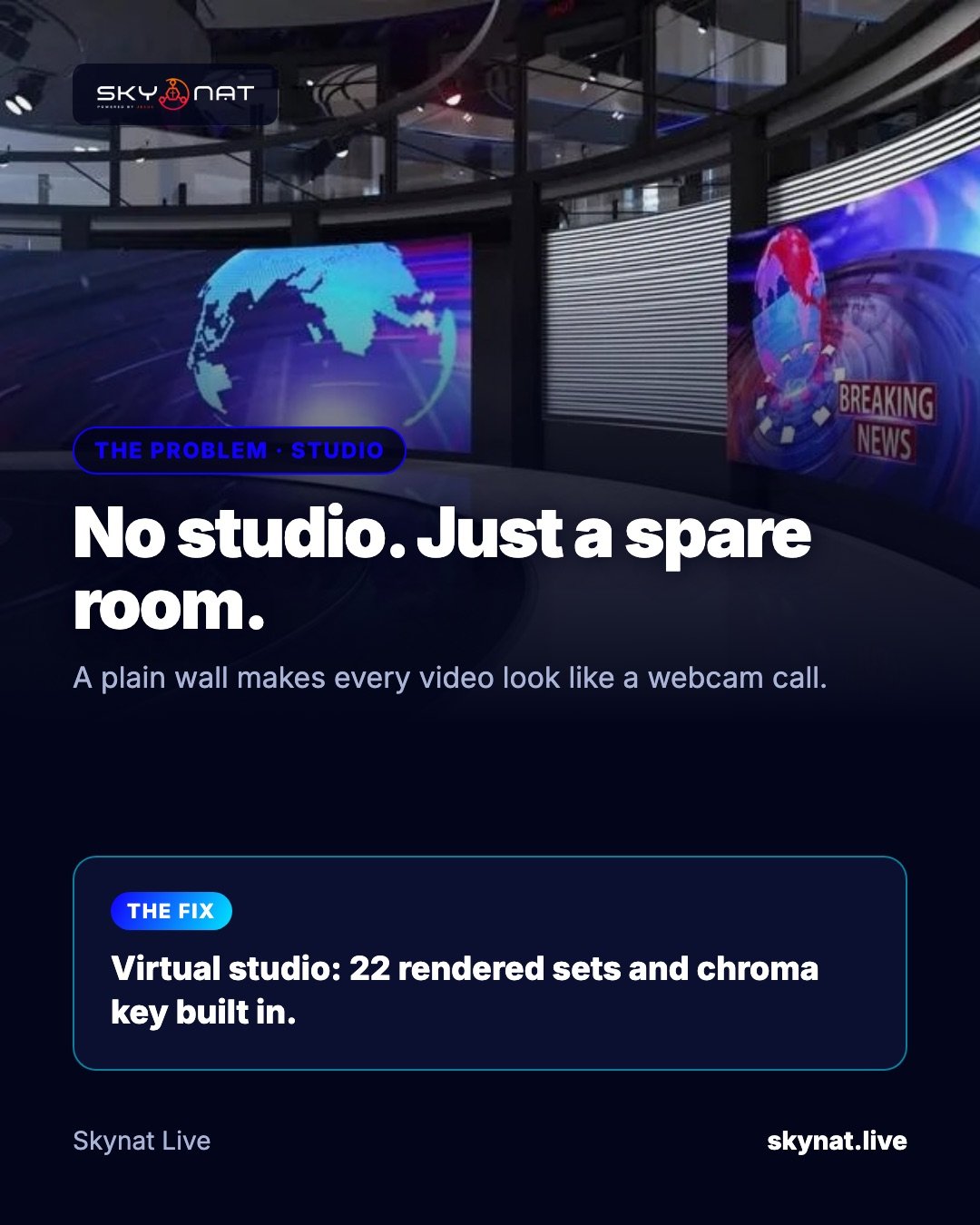
A plain wall makes every stream look like a webcam call. Building a real set is expensive. A virtual studio puts your presenter into a rendered set — a news desk, a modern stage — using a green screen.
How a virtual studio works
Your camera films the presenter in front of an evenly lit green (or blue) background. Chroma key software removes that colour and places the presenter into a virtual set, with the right size and position so they appear to stand in it.
Light the green screen properly
- Light the screen evenly, separately from the presenter: no shadows, no bright spots.
- Keep the presenter at least 1.5–2 metres in front of it, so green does not spill on them.
- Avoid green clothes and shiny jewellery.
- Use a camera with manual exposure and focus.
Software with sets in the box
Skynat Live has chroma key and a virtual studio built in, with 22 rendered sets ready to use: pick one, key your camera, and present from a broadcast studio that is really a green sheet in a spare room.
Related guide: How to set up a green screen and virtual studio
Skynat Live puts all of this in one application for Windows and Mac: $99 a year or $19 a month, everything included, nothing renews on its own. You can download it and try it before a real broadcast at skynat.live.
Questions people ask
Do I need a big room for a virtual studio?
No. A few metres of space for the presenter and the green screen is enough for a seated or standing shot.
Is a green or blue screen better?
Green is most common and needs less light; blue can be better if the presenter wears green or for a cleaner key around hair.