

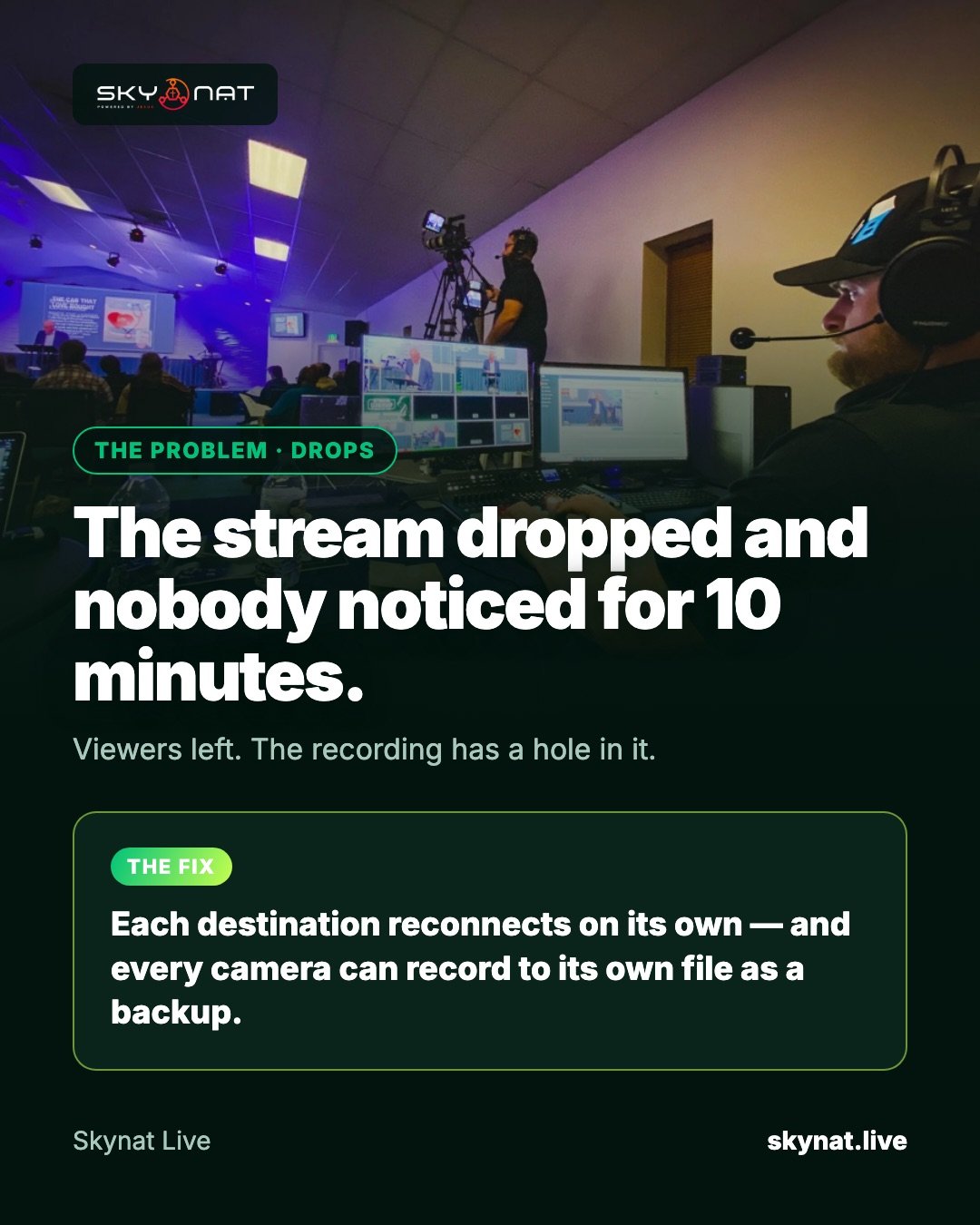
The worst stream failure is not the drop itself. It is the drop nobody noticed for ten minutes, while viewers left and the recording ended up with a hole in it.
Why live streams drop
- Upload speed too close to the stream's bit rate — any dip pushes it over the edge.
- Shared internet: the office, the café Wi-Fi and the stream all on one line.
- Wi-Fi instead of a cable for the streaming computer.
- Mobile data that runs out mid-service.
- The computer itself struggling, so the encoder falls behind.
Prevent most drops
- Test your upload before every service: aim for at least 1.5× your stream's bit rate.
- Use a network cable for the streaming computer whenever possible.
- Lower the stream bit rate rather than risk it: 720p at 3–4 Mbps is fine for most churches.
- Keep other devices off the streaming network during the service.
Recover when it does drop
Good software reconnects on its own and tells you. In Skynat Live each destination reconnects on its own — if Facebook drops, YouTube keeps going — and the status of every destination is on screen. Record locally at the same time (every camera can go to its own file), so even a long drop leaves you with a complete service to upload afterwards.
Related guide: Why live streams drop, and how to stop it happening
Skynat Live puts all of this in one application for Windows and Mac: $99 a year or $19 a month, everything included, nothing renews on its own. You can download it and try it before a real broadcast at skynat.live.
Questions people ask
What upload speed do I need for live streaming?
At least 1.5 times your stream's total bit rate. A 4 Mbps stream wants a stable 6 Mbps upload or more.
Should I record locally while streaming?
Yes. A local recording is your backup if the connection drops, and gives you a clean file for edits and clips.