

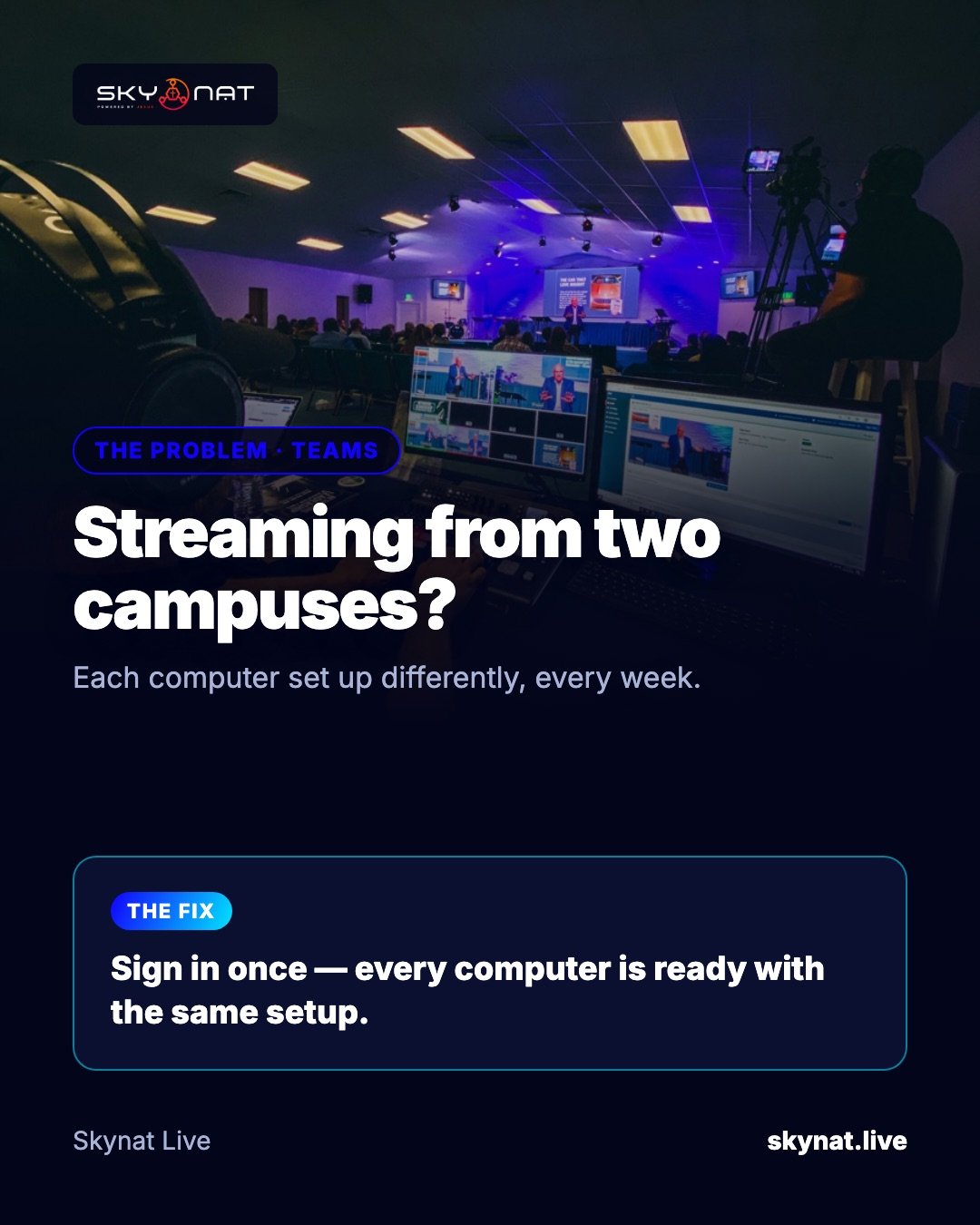
A church with two or three campuses often has two or three different streaming setups: different graphics, different audio, different settings, rebuilt by whoever is on duty. Viewers notice, and volunteers struggle when they move between sites.
What consistency needs
- The same graphics, lower thirds and slides at every campus.
- The same audio settings and destinations.
- Sign-ins to YouTube and Facebook that do not depend on one person's laptop.
- A setup a volunteer at any campus can open and run.
How to get there
- Build one master setup and copy it, rather than building each site by hand.
- Keep shared assets (logos, backgrounds, lower-third styles) in one place.
- Use an account that follows the operator, not the computer.
How Skynat Live handles it
Sign in once and every computer is ready: your setup and platform sign-ins follow the account, and a whole setup can be handed over in one file. Remote cameras over the internet also let one campus include a camera from another.
Related guide: Best live streaming software for church in 2026 (and what it really costs)
Skynat Live puts all of this in one application for Windows and Mac: $99 a year or $19 a month, everything included, nothing renews on its own. You can download it and try it before a real broadcast at skynat.live.
Questions people ask
How do multi-site churches live stream?
Usually each campus streams or records locally with a shared, copied setup; some send one campus's stream to others or bring remote cameras in over the internet.
Can I use the same streaming setup on several computers?
Yes. In Skynat Live you sign in once and your setup follows you to each computer.