

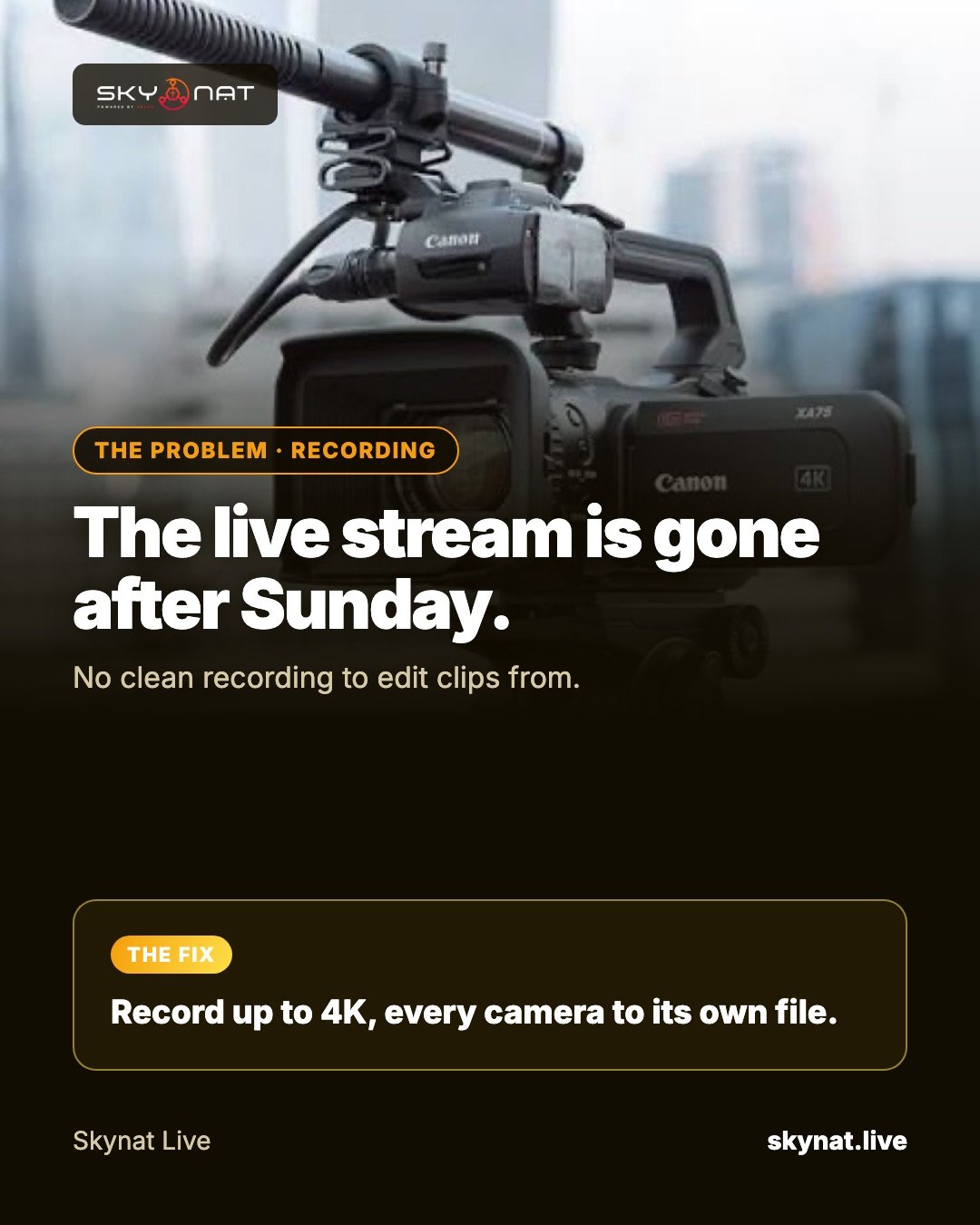
After Sunday most streams just sit on the platform. But the same service could become a week of clips — the best moment of the sermon, a worship song, an announcement — if you record it the right way.
Record more than the stream
- Record the program locally at higher quality than you stream.
- Record each camera to its own file (ISO recording), so an editor can choose angles later.
- Record audio cleanly, ideally each microphone separately for later mixing.
Settings that work
- Record at the highest resolution your cameras give, up to 4K.
- Use a hardware encoder and a high bit rate for editing.
- Use a format that survives a crash (fragmented MP4 or MKV) and convert afterwards.
- Plan storage: a two-hour 4K service with several cameras can need hundreds of gigabytes.
Software that records every camera
Skynat Live records up to 4K, every camera to its own file, while you stream — so your editor has every angle without a second recorder.
Related guide: How to record each camera separately while live streaming
Skynat Live puts all of this in one application for Windows and Mac: $99 a year or $19 a month, everything included, nothing renews on its own. You can download it and try it before a real broadcast at skynat.live.
Questions people ask
What is ISO recording?
Recording each camera to its own file, alongside the mixed program, so you can re-edit with any angle afterwards.
How much storage do I need to record a live stream?
It depends on resolution and cameras; a single 1080p program for two hours may be 5–15 GB, while several 4K ISO files can need hundreds of gigabytes.